The builder now supports Universal Elements that auto sync across your entire account. Save elements as Universal to keep them linked, or as Templates for static reuse. Built in guardrails prevent duplicates on a page, cloning rules avoid cross sync conflicts, and management views provide thumbnails for quick selection.
Save any element as a Universal Element that syncs account wide
Alternative save as Template for static, non syncing reuse
Automatic updates to every page using a Universal Element after save
Guardrail to block duplicate Universal Elements on the same page
Clone behavior converts cloned Universals on the same page to normal elements
Snapshot IDs on cloned funnels or pages to prevent unintended cross sync
Saved Elements library with auto generated thumbnails for quick access
Use Universal for brand critical items like headers, footers, CTAs, and legal links
Use Template for starting points you plan to customize per page
Name elements with a clear pattern like Brand Header v1 or Primary CTA Blue
Test changes on a staging page before syncing to live pages
Avoid stacking multiple Universals on one page to keep sync behavior predictable
Document which Universals are used in key templates to simplify maintenance
Step 1
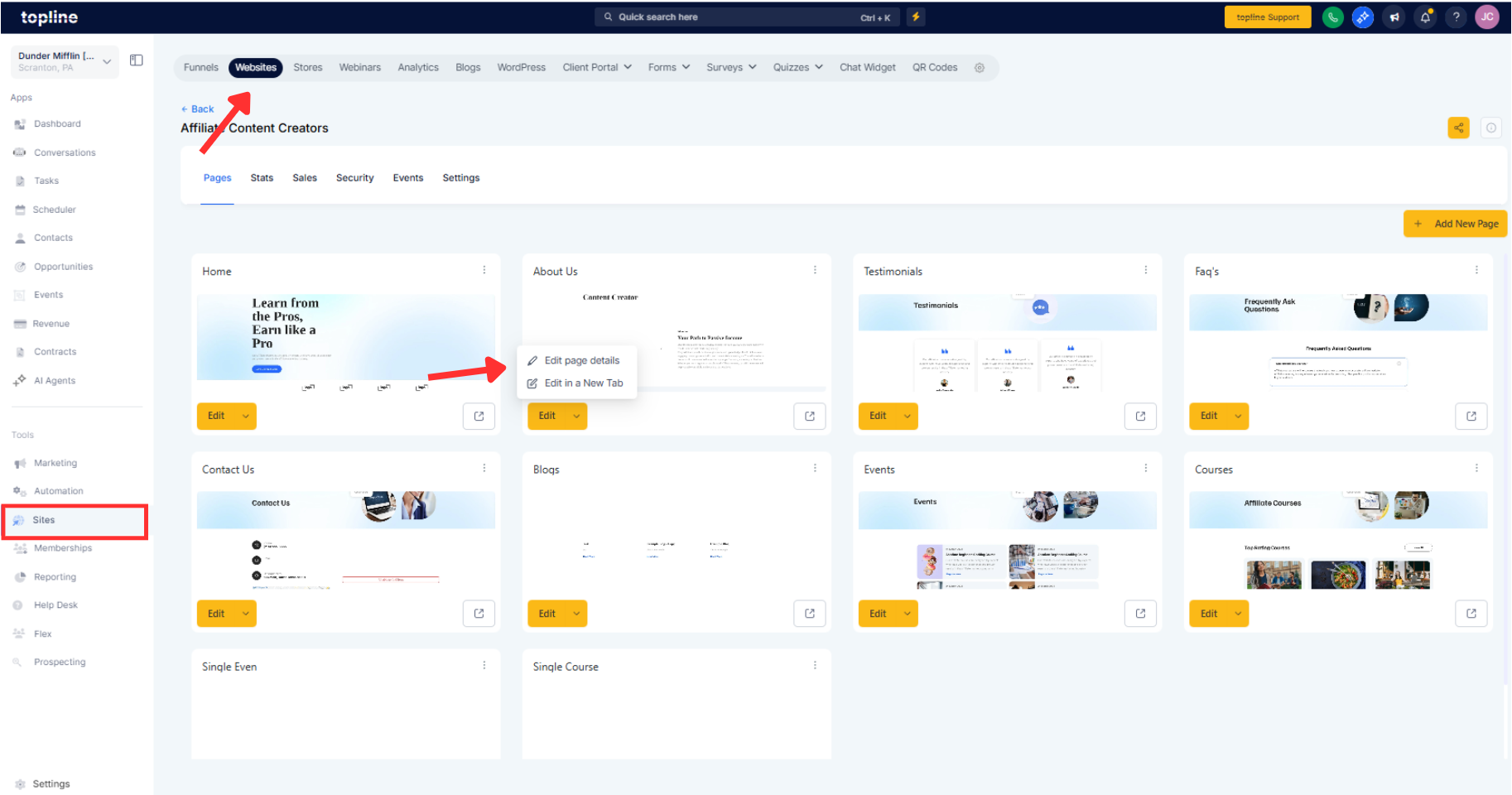
In the builder, select an element you want to reuse.
Step 2
Click Save Element and choose Universal to enable syncing, or Template for a static copy. Edit a Universal Element, save the page, and confirm sync to update all linked pages.
What is the difference between universal and template saves?
Universal stays linked and syncs changes across all uses, while Template is a non syncing static copy.
Can I convert a saved template into a universal later?
The element type is fixed after saving, so decide upfront whether you need syncing.
What happens if I clone a page with universal elements?
Cloning creates snapshot IDs to prevent cross sync, preserving stability across copies.
Why can’t I add the same universal element twice on a page?
A guardrail blocks duplicate Universals on the same page to avoid ambiguous sync behavior.
Can I clone a universal element on a page and edit it locally?
Cloning a Universal on the same page converts it to a normal element for local edits.
