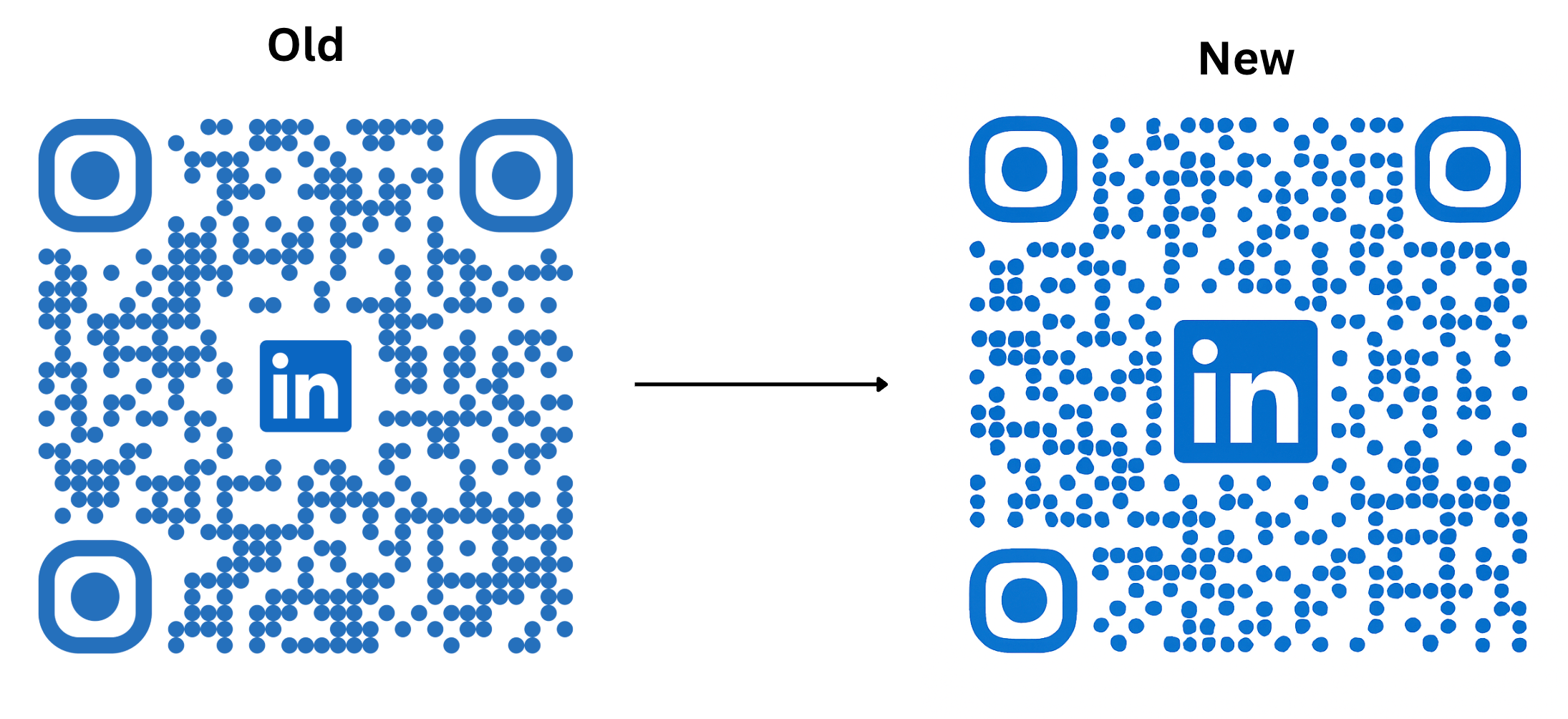
The visual spacing around QR code logos has been optimized. This change is automatically applied to all generated codes, improving balance and aesthetics without impacting performance or scan rates. No setup is required.
Optimized logo padding within QR codes for a tighter visual appearance
Automatic rollout to both newly generated and existing QR codes
Improved visual balance without compromising logo clarity or scan success
Re download high visibility QR codes used on print materials to take advantage of the improved look
Keep logo contrast strong against the QR background for best clarity
Avoid overly complex logos that can crowd the center even with reduced padding
Test print sizes to ensure the scannable area remains large enough for your use case
Use vector or high resolution logo files to avoid blur in the embedded area
Step 1
Open your QR code generator in the platform and view an existing code or create a new one.
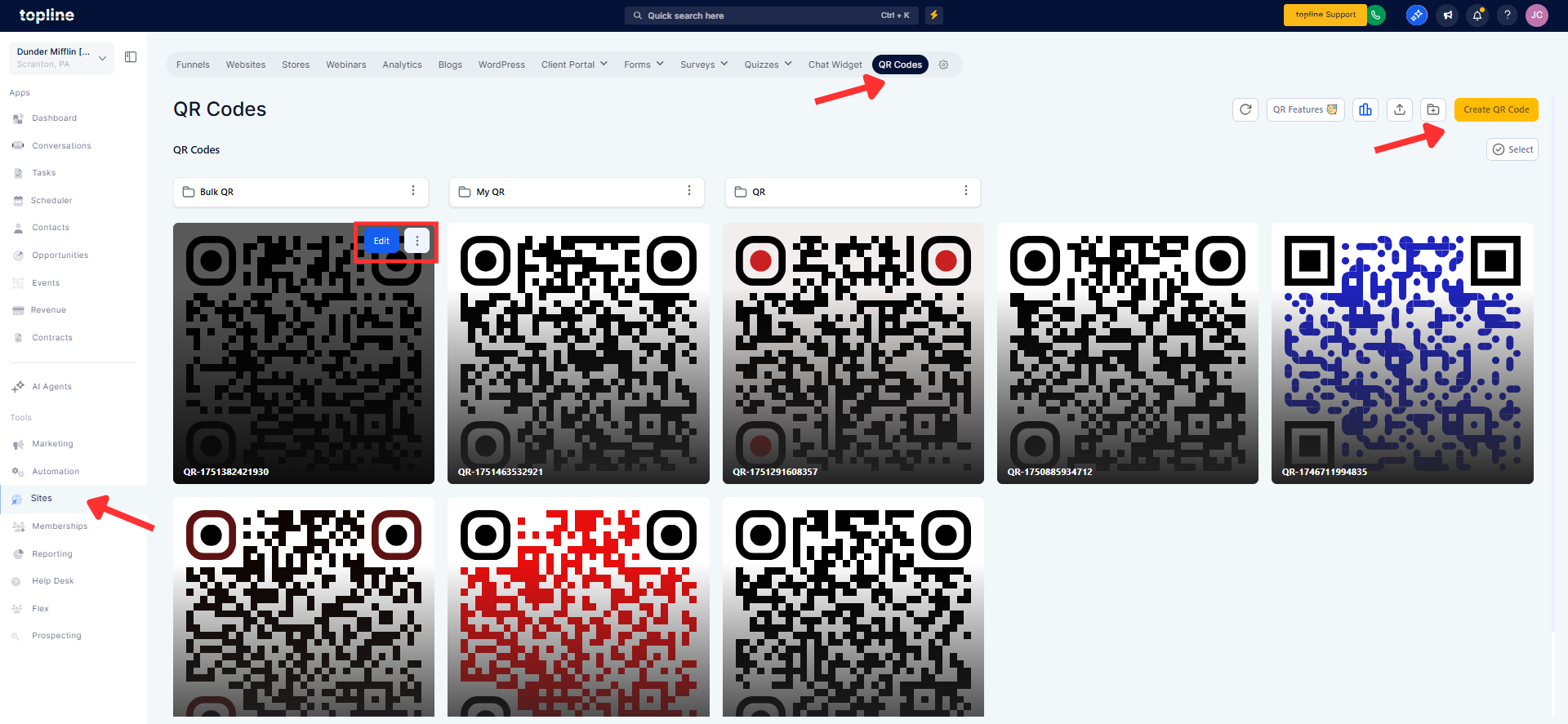
Step 2
Confirm the updated, tighter padding around the embedded logo. If using in print or signage, export a high-resolution version and update your assets.
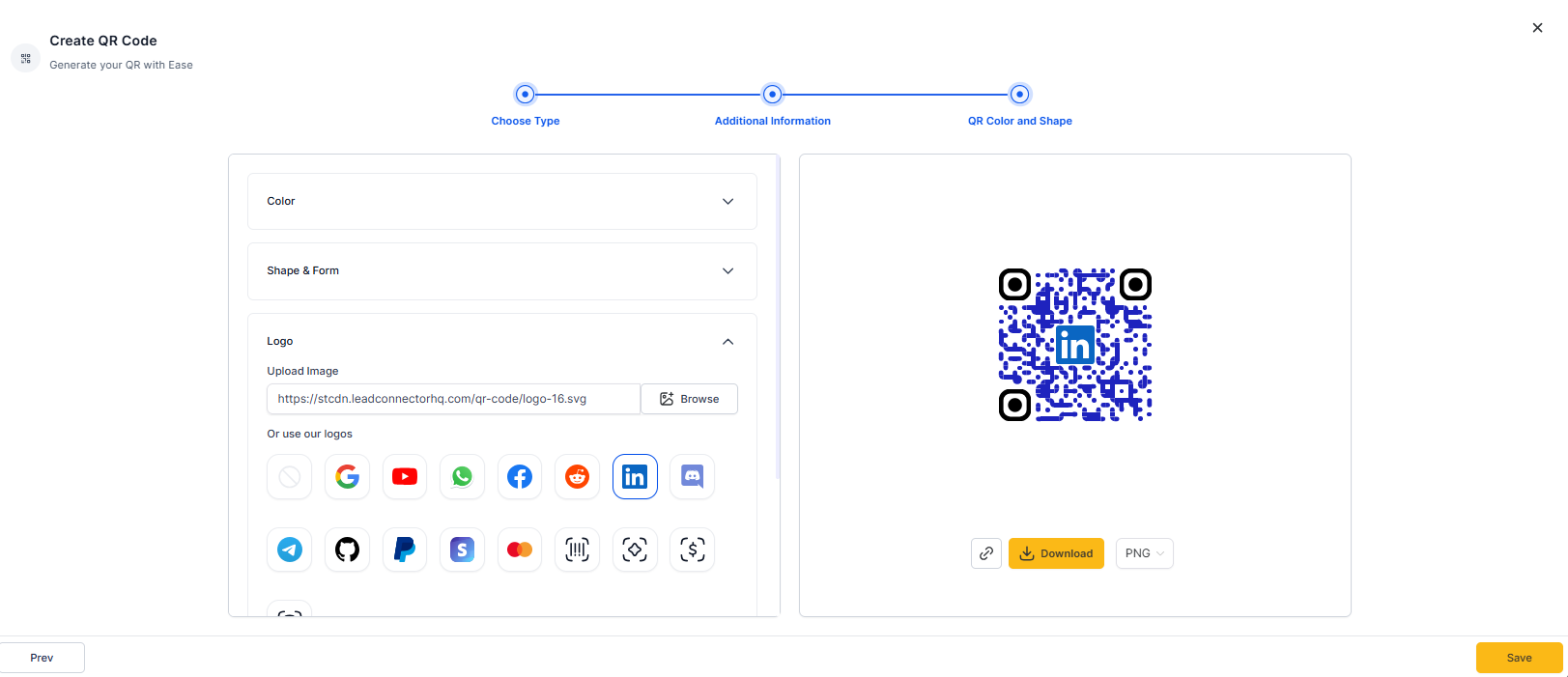
Old View vs New View
What changed visually in the QR codes?
Padding around the embedded logo has been reduced for a cleaner, tighter look.
Do I need to regenerate my existing QR codes?
No, the update applies to both existing and new codes automatically.
Does reduced padding affect scan reliability?
No, scanning performance remains unchanged and reliable.
WIll this impact my logo’s visibility?
The layout is tuned to preserve logo clarity while improving overall balance.
Are there any settings I need to toggle?
No settings are required; the enhancement is applied globally.
