Native Asana integration brings instant triggers and robust actions to workflows. Fire automations when tasks or projects change in Asana, or push updates from workflows into Asana. Real-time webhooks power instant triggers, and OAuth makes setup straightforward. This reduces tool sprawl and keeps delivery teams and automations in sync.
Instant triggers from Asana, such as task created, task updated, project created, comment added, task moved to a section, new user, and new attachment added.
Coming soon: triggers for tags added to tasks and new subtasks
Actions to create or update tasks, create sections, add tasks to sections, create comments, create subtasks, create projects, and find tasks or comments by ID or search
Real-time webhooks for instant triggers without polling delays
OAuth connection from workflows or integrations settings
Keep Task Updated flows scoped by Fields Changed to avoid looped updates.
Map contact or deal IDs into Asana task descriptions for quick cross referencing
Use sections to mirror pipeline stages and move tasks via automation.
Add comments from workflows to capture context when handoffs occur.
Start with a sandbox project in Asana to test triggers and actions safely.
Step 1
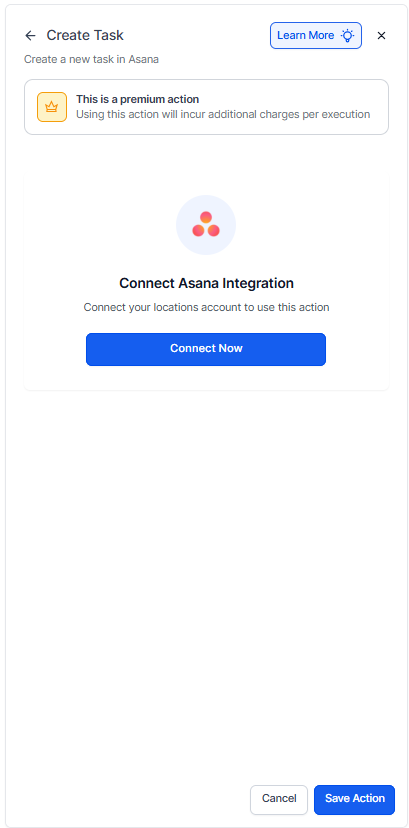
Open Workflows and search for Asana, then connect the account.
Step 2
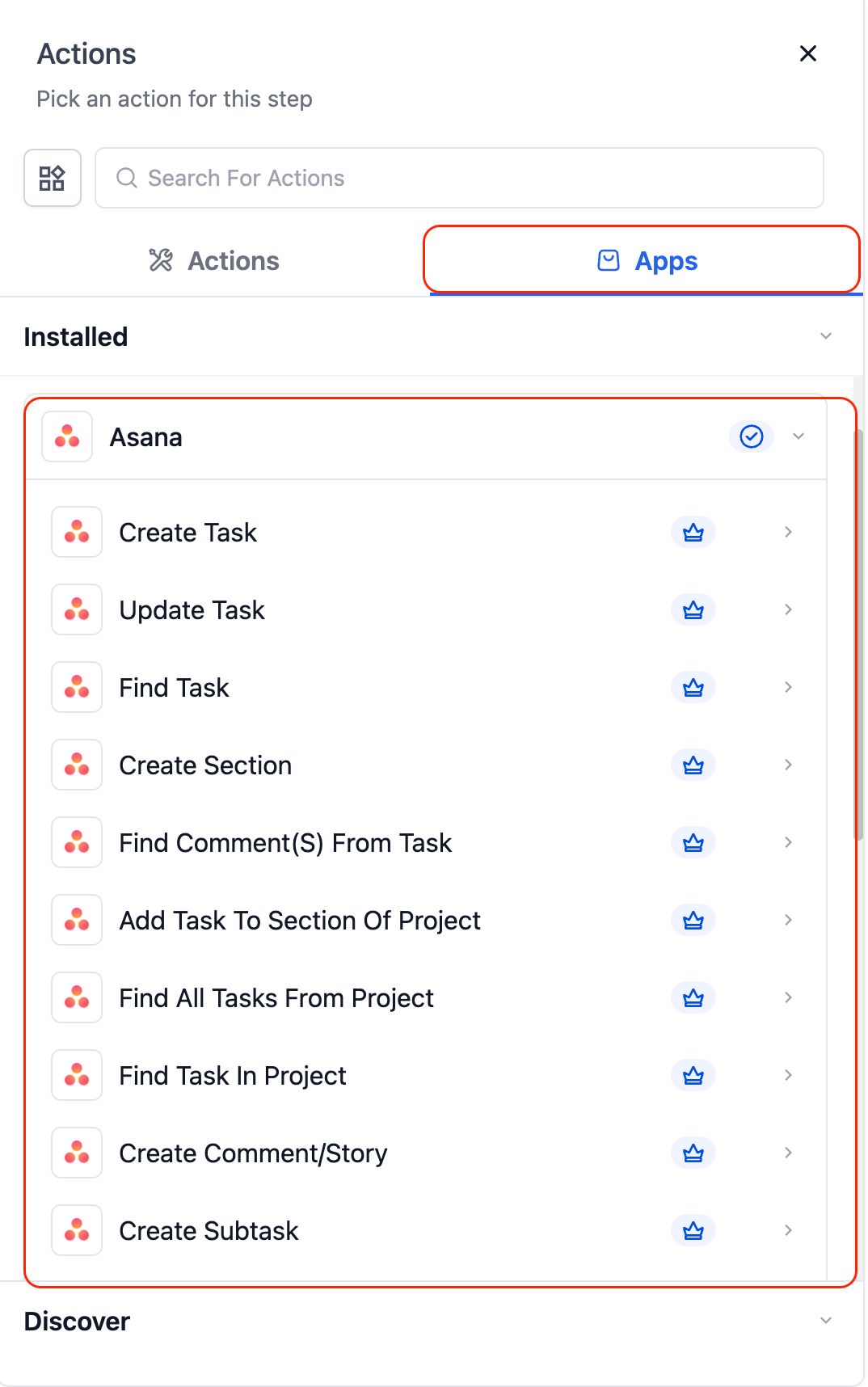
Choose the needed trigger, such as Task Created or Task Updated, or add an action like Create Task. Map fields including project, assignee, due date, name, and description.
Which asana events can start a workflow?
Instant triggers include task created, task updated, project created, comment on task, task moved to section, new user, and new attachment, with more coming soon.
What actions can workflows perform in Asana?
Create or update tasks, create sections, add tasks to sections, create comments, create subtasks, create projects, and find tasks or comments.
How do I connect my Asana account?
Use OAuth from a workflow when adding an Asana step or connect from settings under integrations.
Are triggers real time or polled?
Triggers are real time using webhooks, so automations fire instantly.
Does this work on free Asana plans?
It works with free and paid plans, though some advanced Asana features may require paid tiers.
