The AI builder now saves progress automatically as you make edits. This prevents accidental data loss, improves reliability, and allows users to focus on building without worrying about saving changes manually.
• Autosave enabled in the AI builder
• Automatic saving during edits and updates
• Reduced risk of losing unsaved changes
• Smoother and more reliable building experience
• Less interruption during creation and editing
• Continue working freely knowing changes are saved automatically
• Pause and resume editing without concern for lost progress
• Review saved content after returning to confirm updates
• Use autosave to support longer or more complex builds
• Refresh only after confirming recent edits are complete
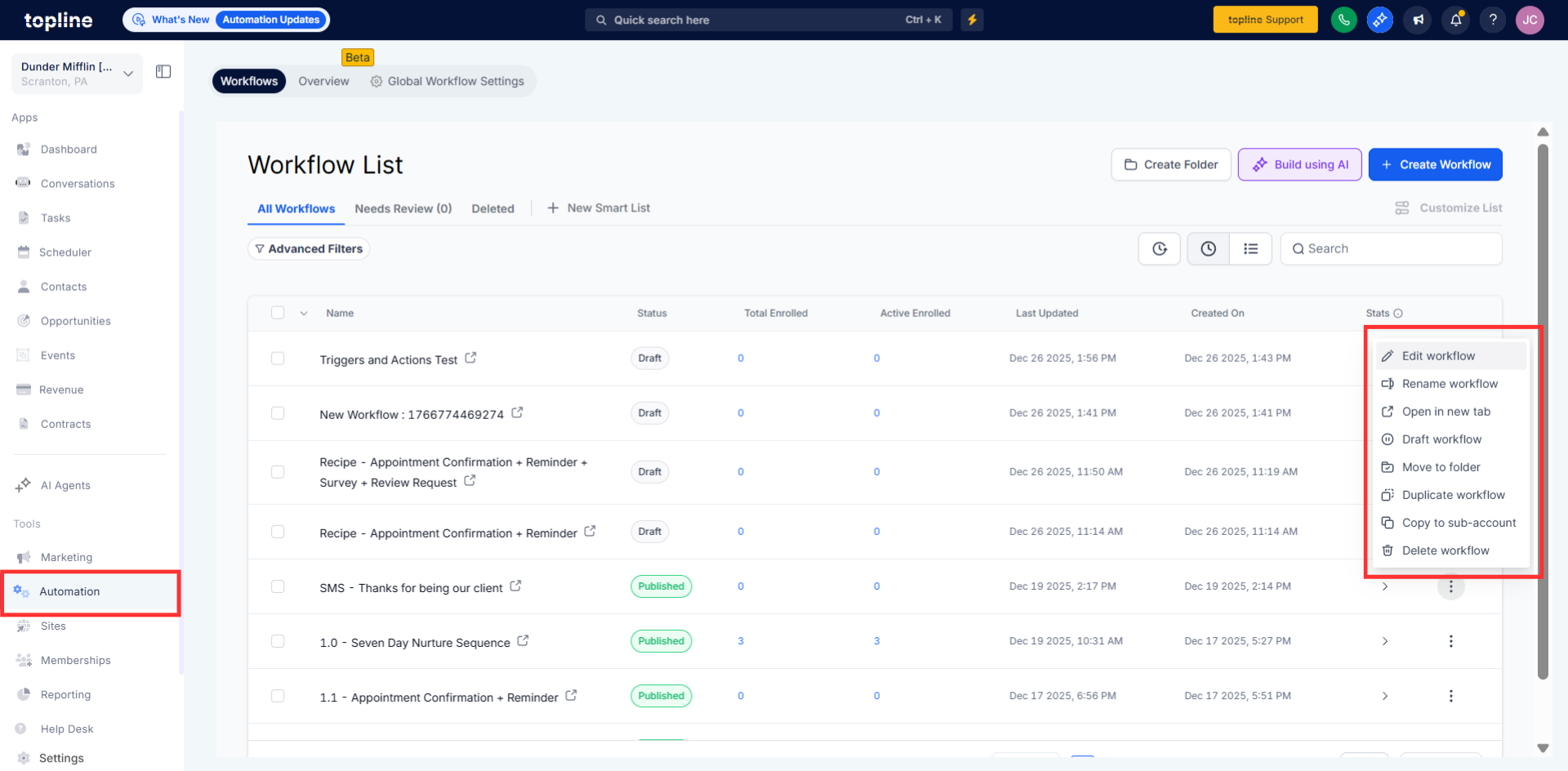
Step 1
Navigate to the Automations and then edit a workflow or create a new one. Then AI builder starts making changes or adding new content.
Step 2
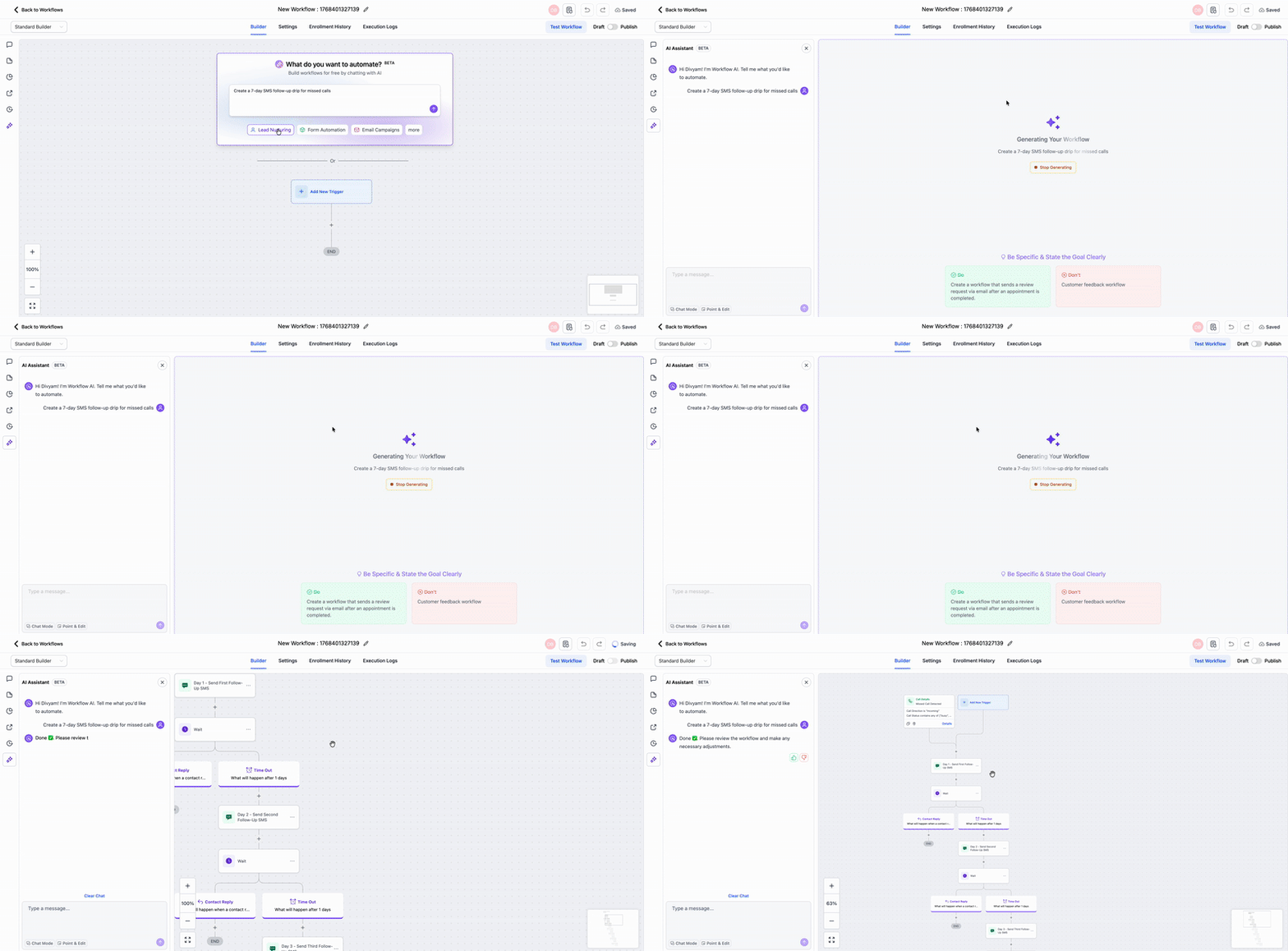
Edits are saved automatically as you work. Make additional updates without manually saving.
What does autosave do in the AI builder?
• It automatically saves changes as you work.
Do I need to enable autosave?
• No, autosave is enabled by default.
How often does autosave run?
• It saves continuously while edits are made.
Can I still save manually?
• Manual saving is no longer required.
Will autosave affect performance?
• No, it is designed to run smoothly in the background.
