You can now use keyboard shortcuts in the page builder to perform common actions more quickly. This improvement reduces repetitive clicking and helps users build and edit pages more efficiently, especially during longer design sessions.
• Keyboard shortcuts added to the page builder
• Faster access to common editing actions
• Reduced reliance on mouse navigation
• Improved speed while building and editing pages
• Smoother overall builder experience
• Learn the most common shortcuts to save time
• Use shortcuts when duplicating or editing elements
• Combine shortcuts with mouse actions for faster workflows
• Practice shortcuts on test pages to build confidence
• Use shortcuts during long editing sessions to reduce fatigue
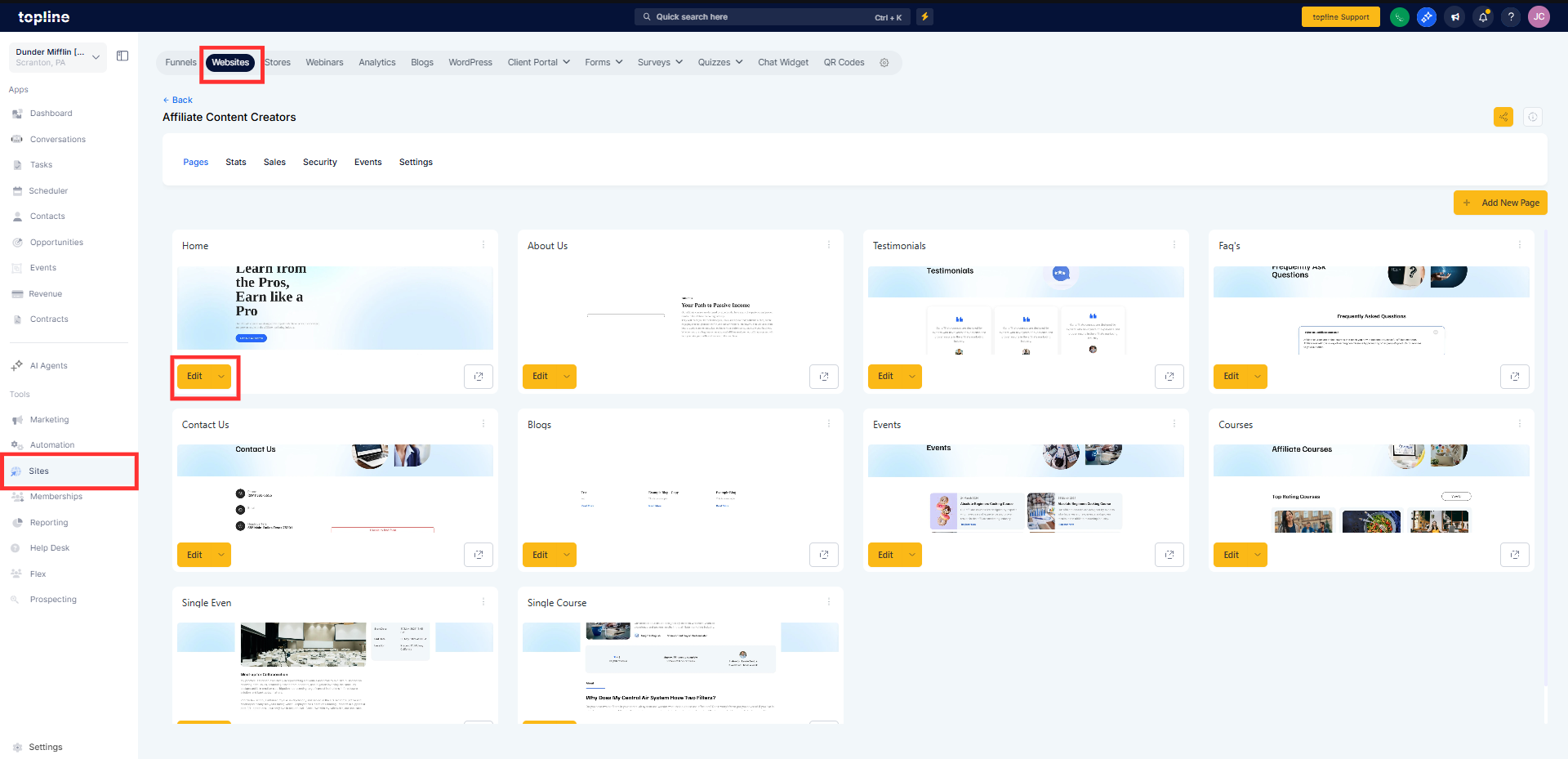
Step 1
Navigate to the page builder and open an existing or new page. Start adding or editing elements on the page.
Step 2
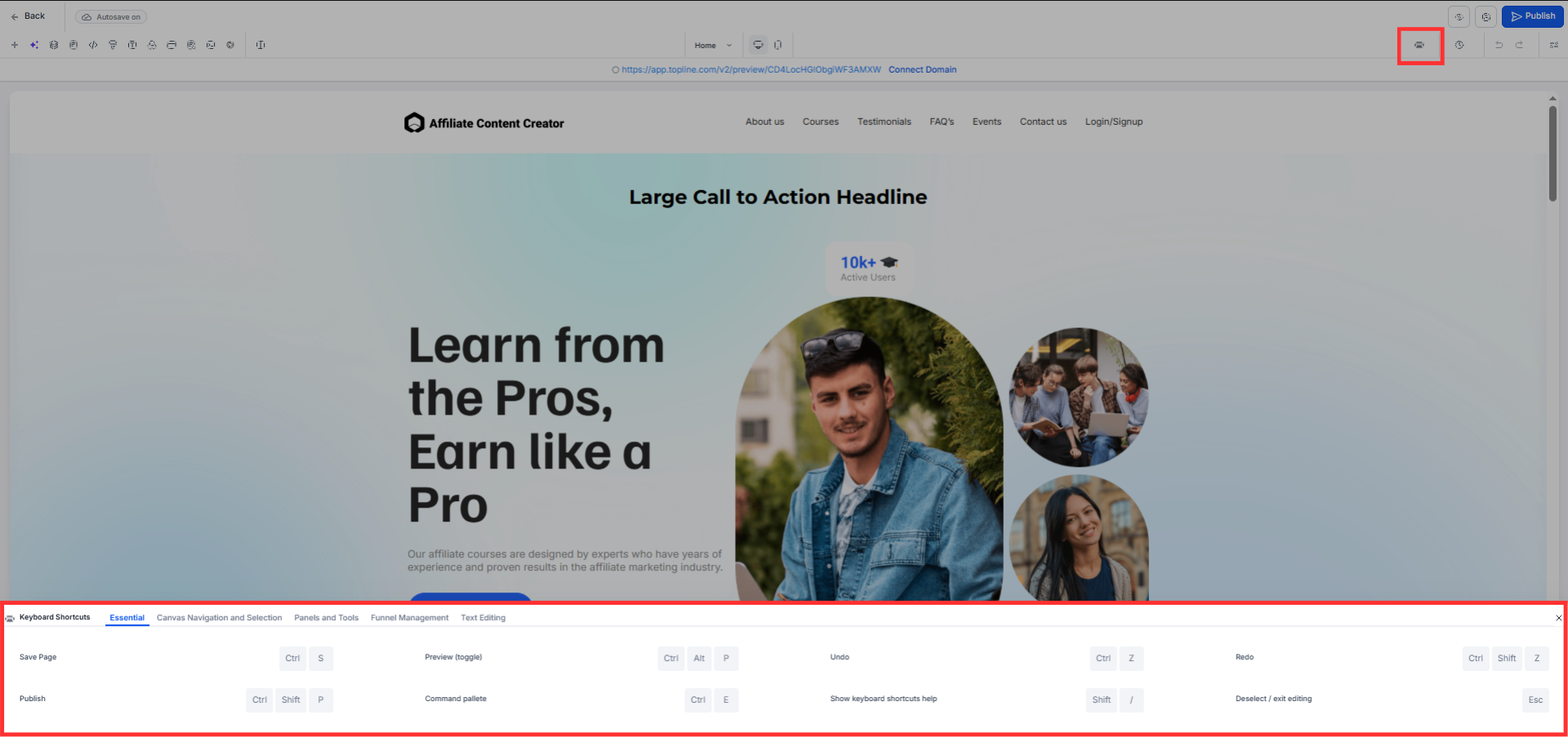
Apply available shortcuts to perform supported actions. Move faster between edits using shortcuts instead of menus.
What are keyboard shortcuts in the page builder?
• They are key combinations that perform common editing actions quickly.
Do I need to enable keyboard shortcuts?
• No, shortcuts are available automatically.
Do shortcuts work for all page elements?
• Most common builder actions support shortcuts.
Will shortcuts change how pages function?
• No, they only affect how pages are edited.
Are shortcuts available on all devices?
• They are designed for supported desktop keyboards.
