The contacts list view has been fully revamped with improved performance and usability. Smart lists are now available to all users, allowing dynamic filtering and easier contact segmentation without manual list maintenance.
• Revamped contacts list view with improved layout and speed
• Smart lists are now fully available to all users
• Dynamic filtering that updates automatically
• Better handling of large contact databases
• Cleaner and more intuitive contact management experience
• Use smart lists to segment contacts automatically
• Replace static lists with dynamic filters where possible
• Review list views regularly to keep data organized
• Combine filters to create highly targeted views
• Use the new list view for faster daily contact management
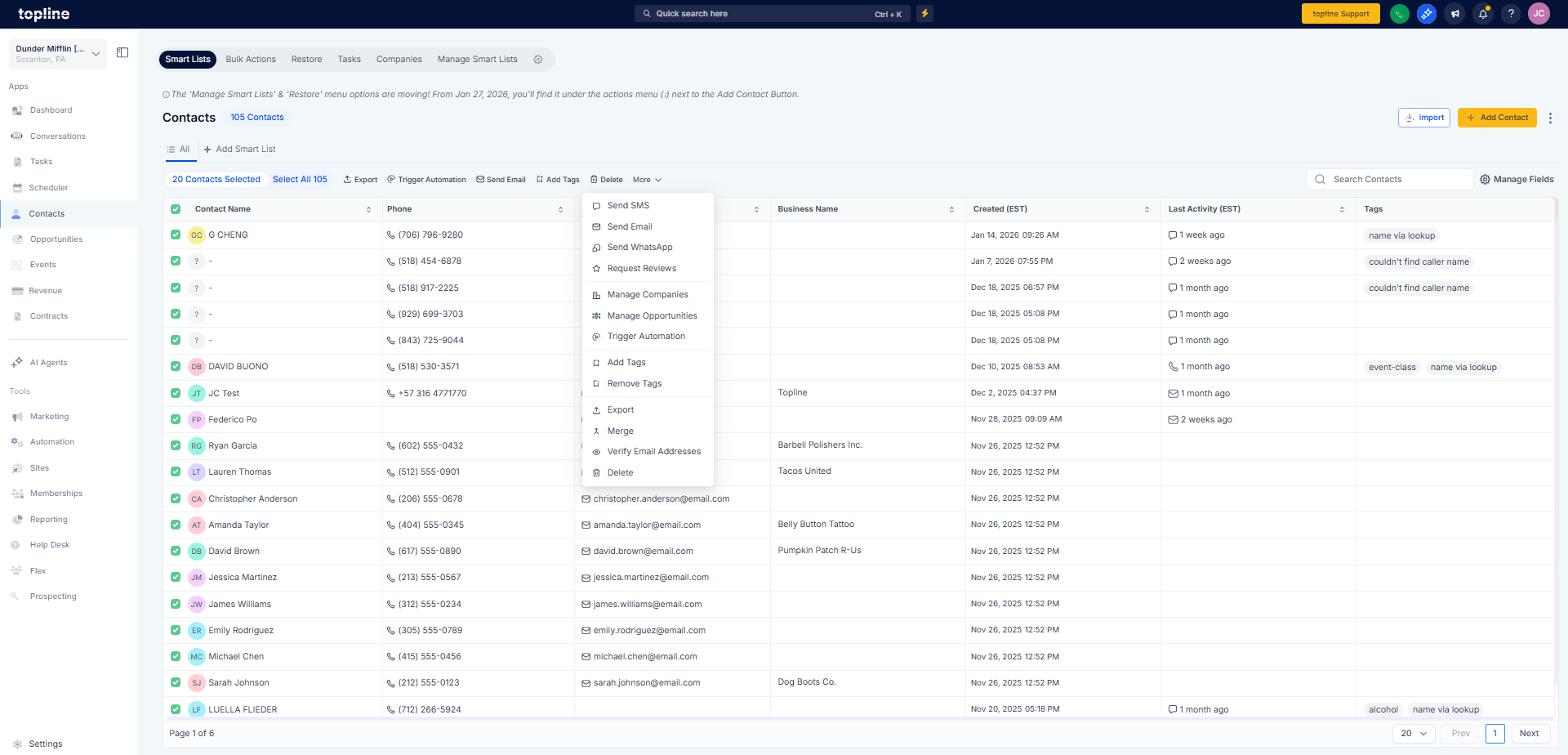
Step 1
Navigate to your contacts section. View contacts using the updated list layout.
Step 2
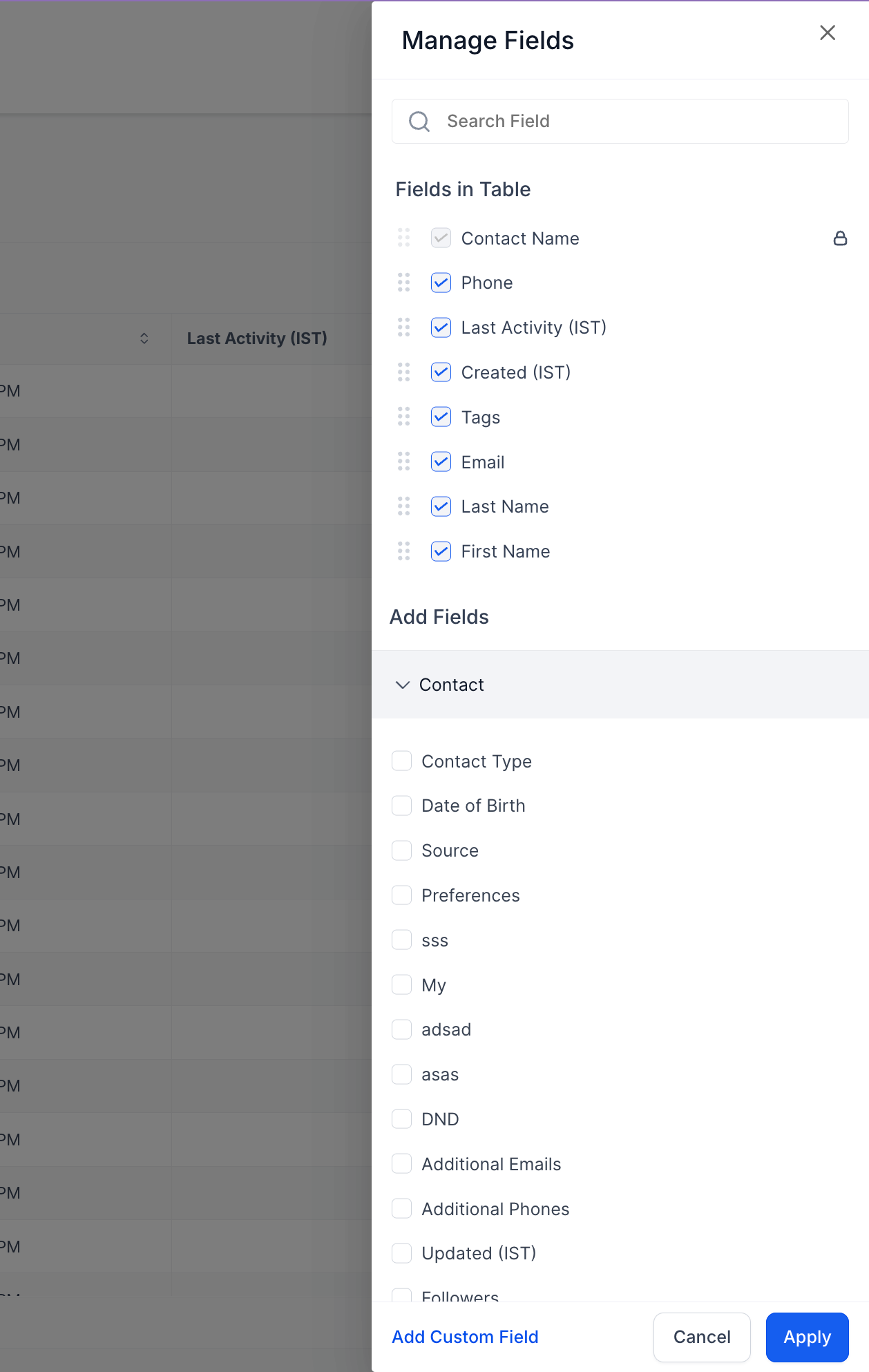
Select the option to create a new smart list or open an existing one. Choose rules and conditions to define which contacts appear.
FAQ’s
What is new about the contacts list view?
• It has a redesigned layout with better performance and usability.
What are smart lists?
• They are dynamic contact lists that update automatically based on filters.
Do smart lists replace manual lists?
• Yes, they reduce the need for manually updating contact lists.
Do I need to enable smart lists?
• No, they are available automatically.
Are existing contacts affected?
• No, all contacts remain the same and are simply displayed differently.
