The AI builder now creates smarter wait steps based on workflow intent and timing logic. This results in better paced automations improved sequencing and fewer manual adjustments when building or refining workflows.
• Smarter AI-generated wait steps in workflows
• Improved understanding of timing and sequence context
• More accurate delay placement between actions
• Reduced need for manual wait step edits
• Smoother and more reliable automation flow
• Review generated wait steps to confirm timing aligns with your goals
• Use smarter waits for follow-up and nurture workflows
• Combine wait steps with conditions for better control
• Test workflows after generation to validate timing
• Adjust wait durations only when specific timing is required
Step 1
Navigate to the AI builder and start a new workflow or edit an existing one.
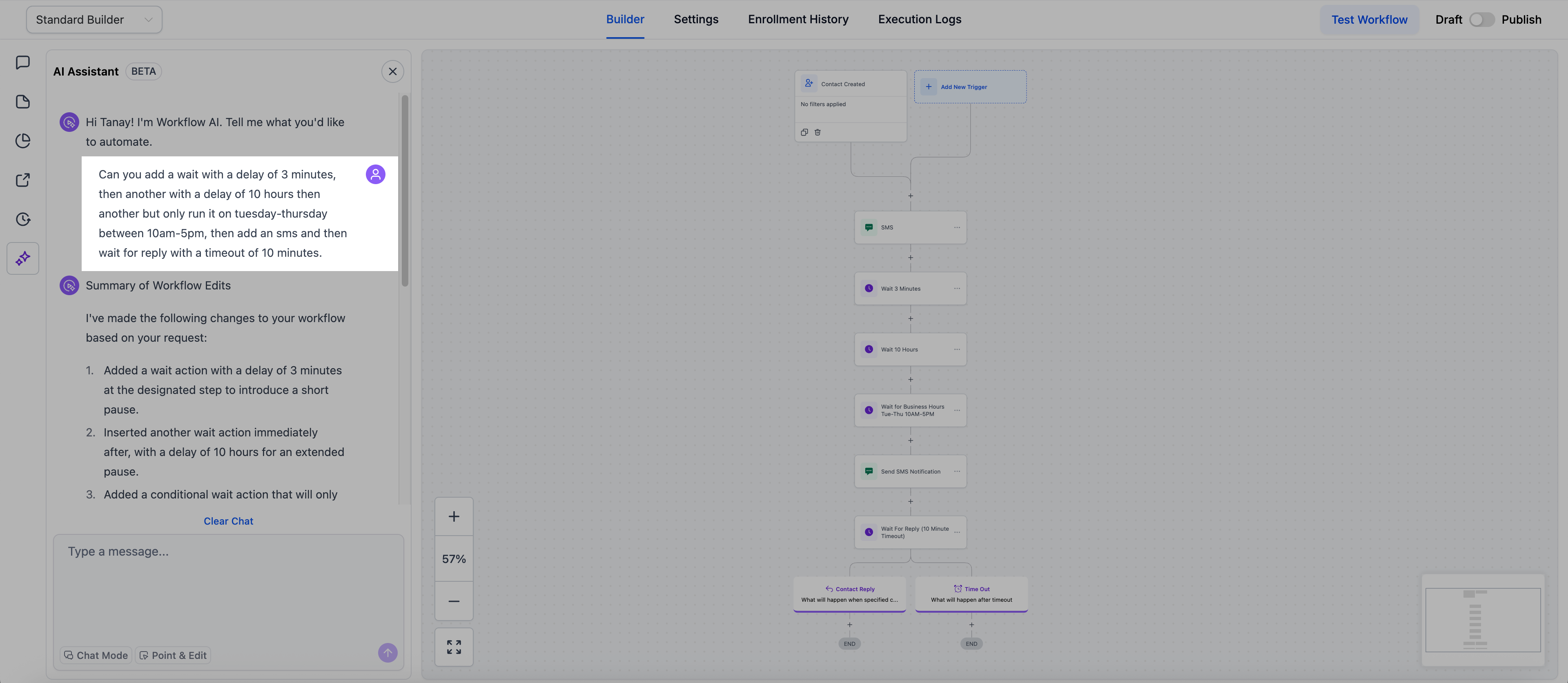
Step 2
Enter instructions that include timing or follow-up intent.
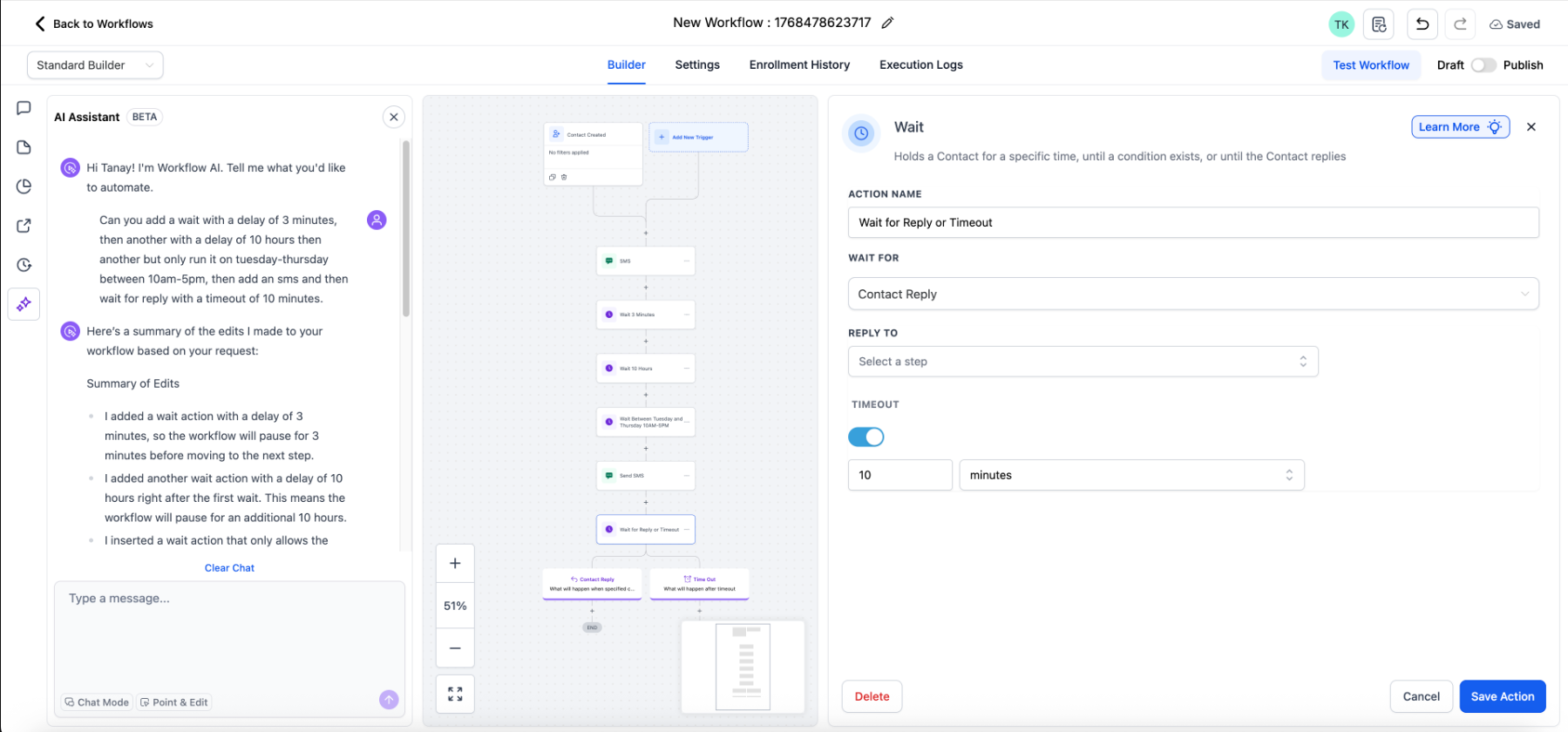
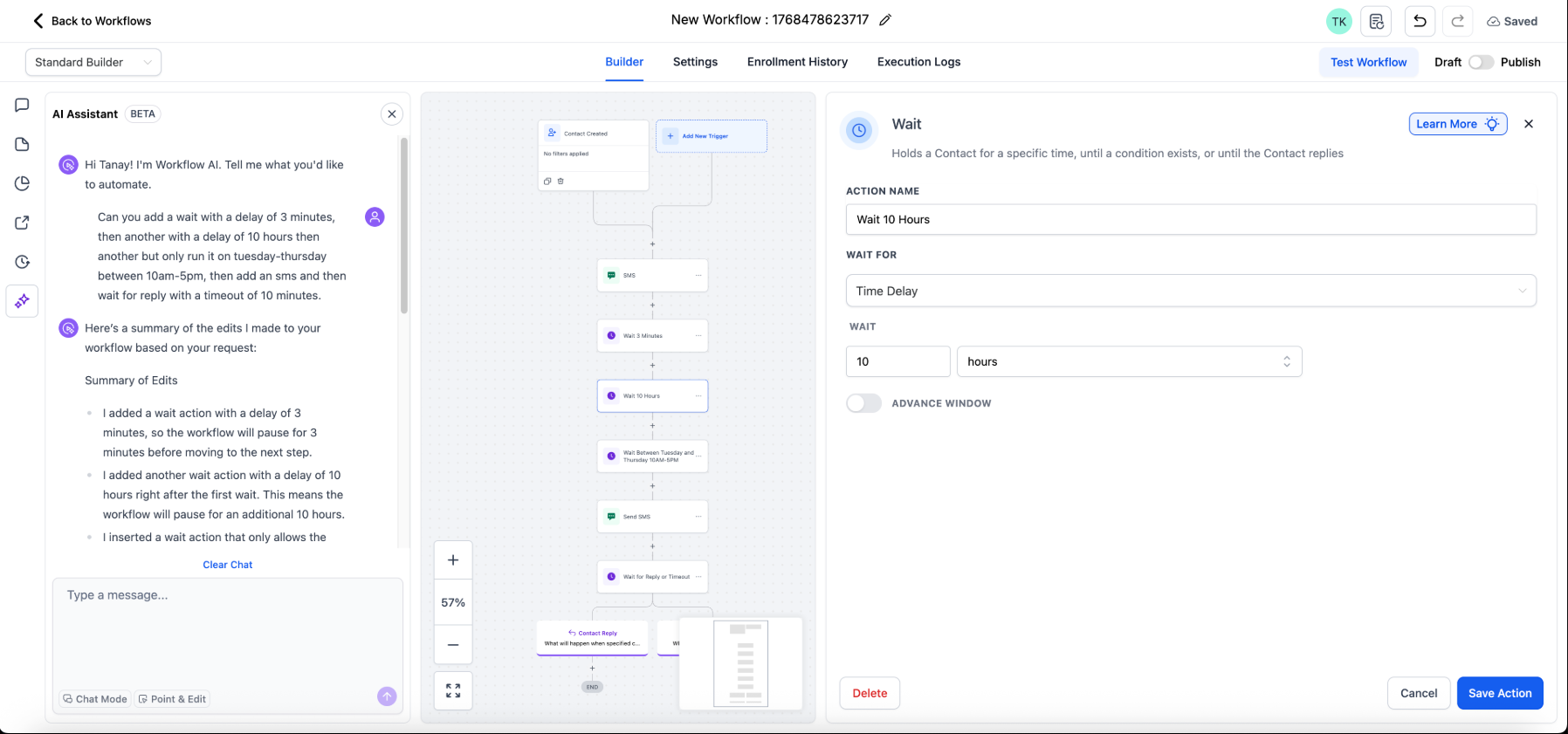
Step 3
Allow the AI builder to create workflow steps automatically.
What does smarter wait step generation mean?
• The AI creates more accurate delays based on workflow context.
Do I need to enable this update?
• No, the improvement is applied automatically.
Does this affect existing workflows?
• No, existing workflows remain unchanged.
Can I still edit wait steps manually?
• Yes, all wait steps can be adjusted at any time.
Does this reduce workflow build time?
• Yes, fewer manual edits are needed.
