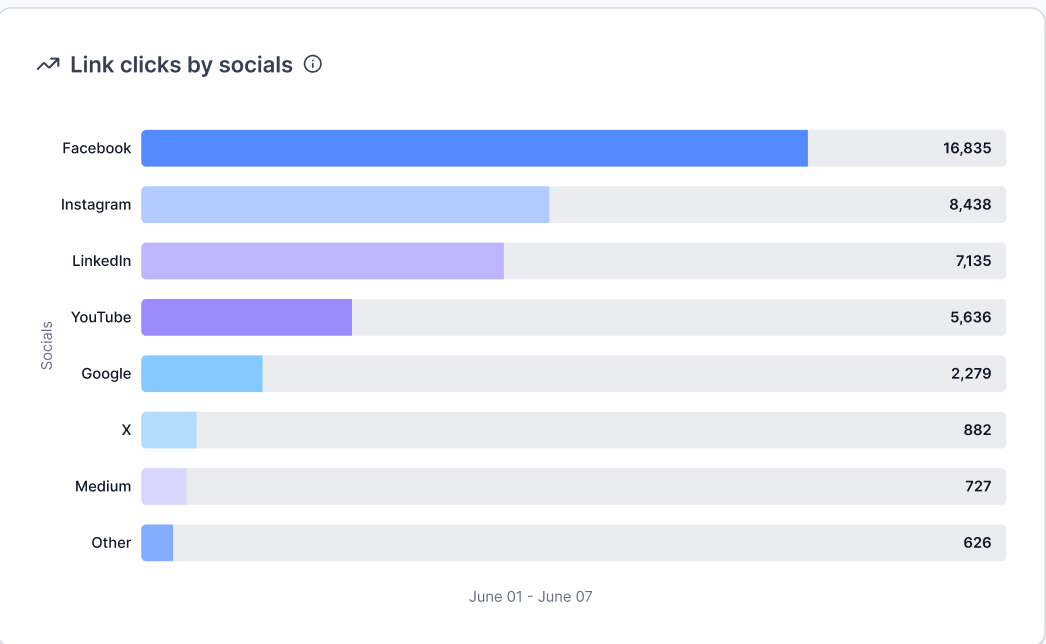
You can now view link performance data directly within the social planner. This makes it easier to understand which links drive engagement and clicks without relying on external tools, helping improve content decisions and social strategy.
• Link performance tracking inside the social planner
• Visibility into clicks and engagement for shared links
• Better insight into post level link effectiveness
• Improved reporting for social content performance
• Easier evaluation of which links perform best
• Review link performance regularly to refine content strategy
• Compare results across different platforms and posts
• Use high performing links to guide future campaigns
• Adjust posting times based on engagement trends
• Combine link insights with overall post performance
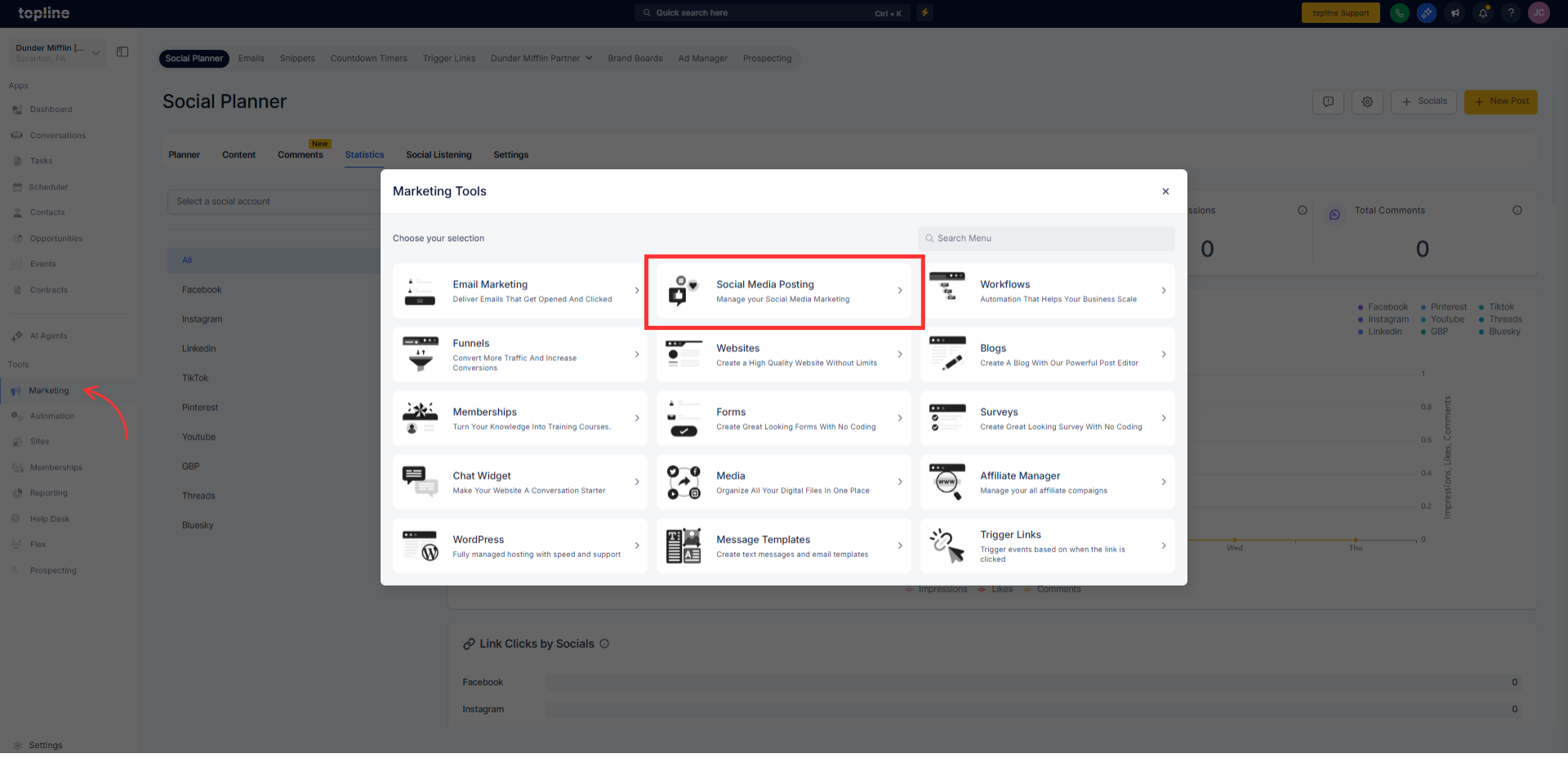
Step 1
Navigate to your social planner section.
Step 2
Ensure posts include links you want to track. Open published posts to view link performance details.
What link data can I see in the social planner?
• You can view performance metrics related to link engagement.
Do I need to enable link tracking?
• No, link performance tracking is available automatically.
Does this work for all social posts?
• It applies to posts that include trackable links.
Can I compare link performance across posts?
• Yes, performance can be reviewed across multiple posts.
Does this replace external analytics tools?
• No, it provides convenient insights directly in the planner.
