You can now manage opportunities in bulk by deleting or restoring multiple records at once. This improves efficiency when cleaning up pipelines correcting mistakes or recovering previously removed opportunities without handling each item individually.
• Ability to bulk delete multiple opportunities
• Ability to bulk restore deleted opportunities
• Faster pipeline cleanup and management
• Reduced manual effort when correcting data
• Improved control over opportunity records
• Use bulk delete to clean up outdated or invalid opportunities
• Double check selections before confirming bulk actions
• Restore opportunities quickly if deleted by mistake
• Perform bulk actions during low activity periods
• Review pipeline filters before selecting opportunities
Step 1
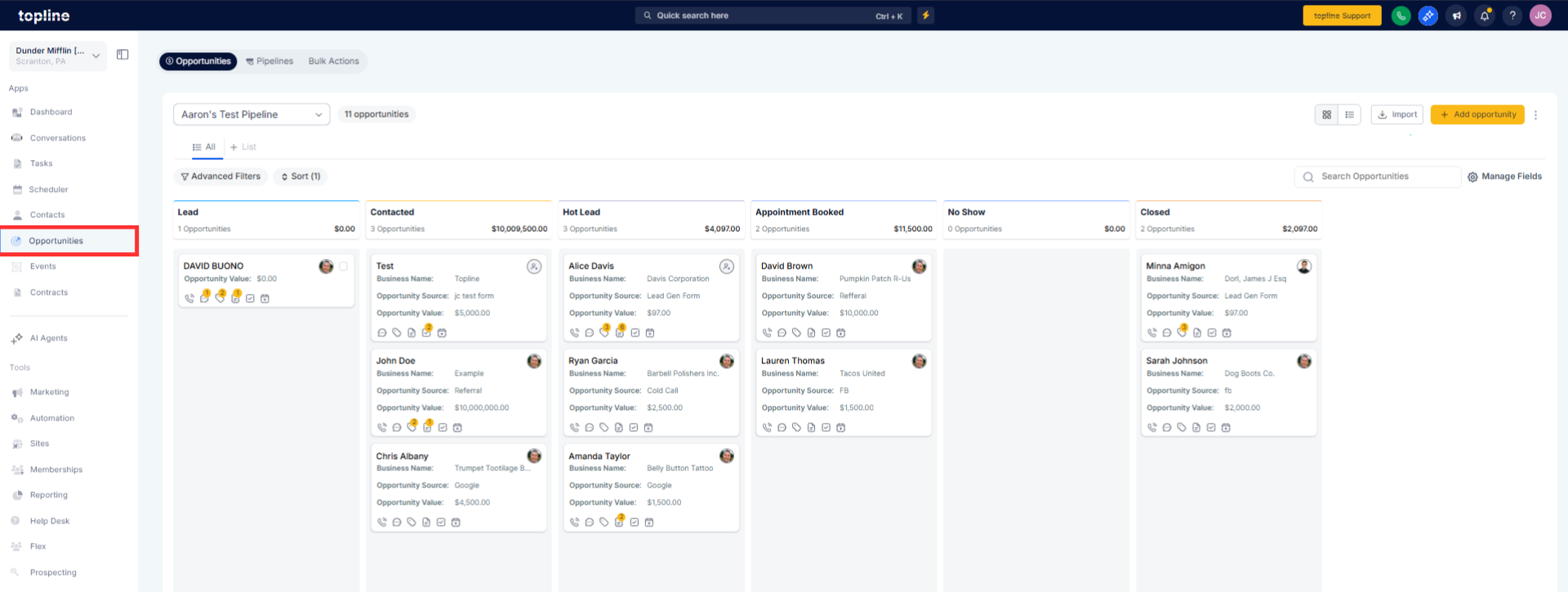
Navigate to your opportunities or pipeline section.
Step 2
Use selection options to choose the opportunities you want to manage.

Step 3
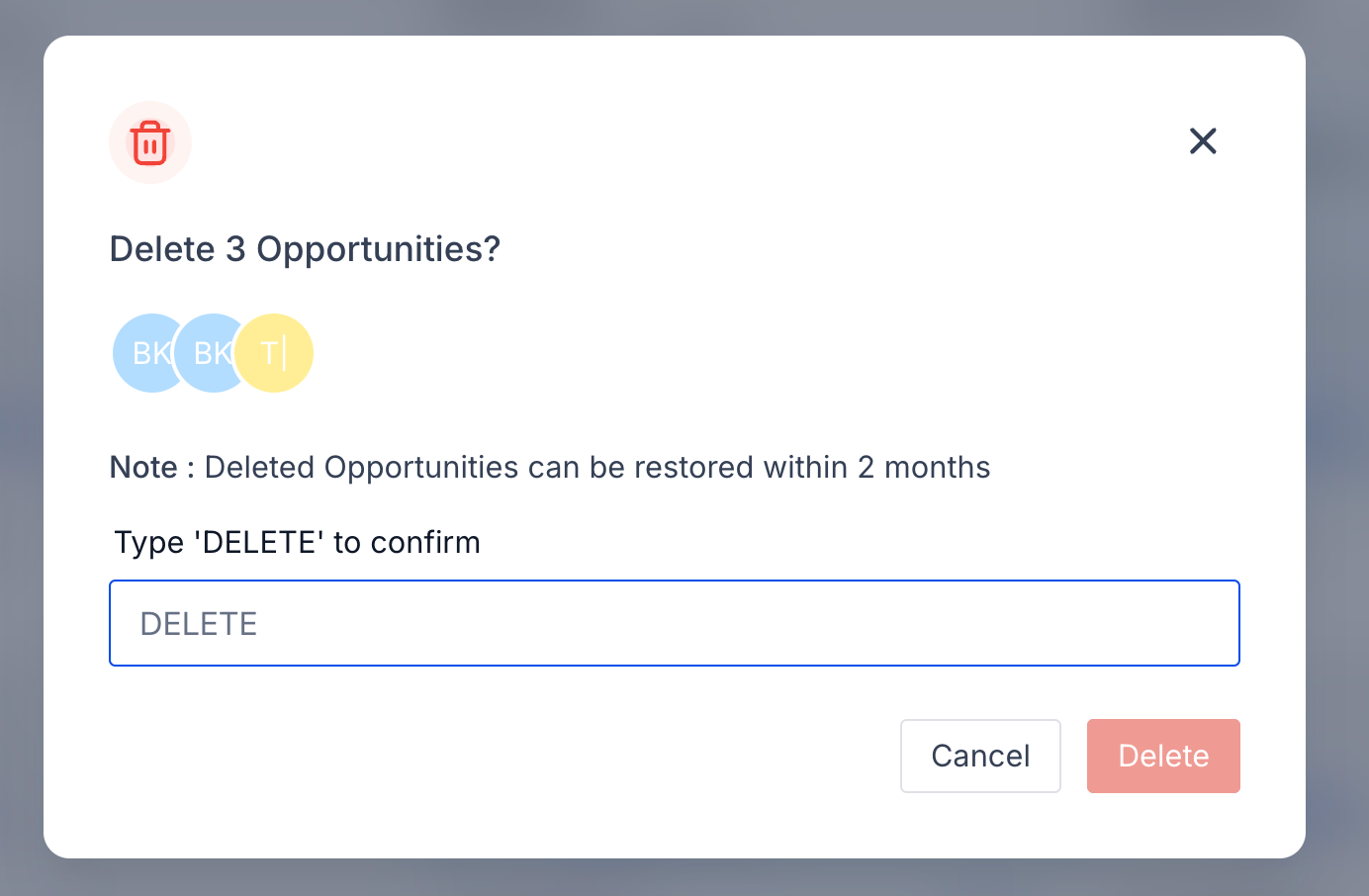
Select either delete or restore from the available bulk actions. Review the selection and confirm the bulk action.
What does bulk delete opportunities do?
• It removes multiple opportunities at the same time.
Can deleted opportunities be restored?
• Yes deleted opportunities can be restored using bulk restore.
Do I need special permissions for bulk actions?
• Yes appropriate permissions are required to delete or restore opportunities.
Does bulk delete affect reporting?
• Deleted opportunities may no longer appear in active reports.
Can I restore opportunities individually after bulk delete?
• Yes opportunities can be restored individually or in bulk.
