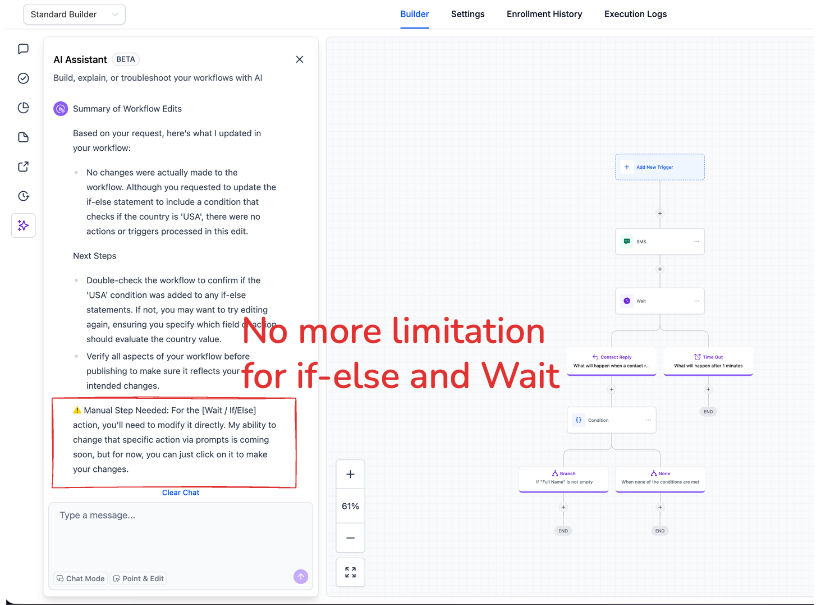
You can now modify if-else and wait actions inside the AI builder using conversational instructions. Instead of manually reconfiguring each step, describe the change you want, and the AI builder will update the workflow logic accordingly, saving time and improving efficiency.
• Conversational editing for if-else actions
• Conversational editing for wait actions
• Faster workflow adjustments using natural language
• Reduced need for manual configuration
• Improved flexibility when refining automation logic
• Clearly describe the logic change you want applied
• Review updated conditions carefully after edits
• Use conversational editing for quick timing adjustments
• Test workflows after making logic changes
• Combine conversational edits with visual review for accuracy
Step 1
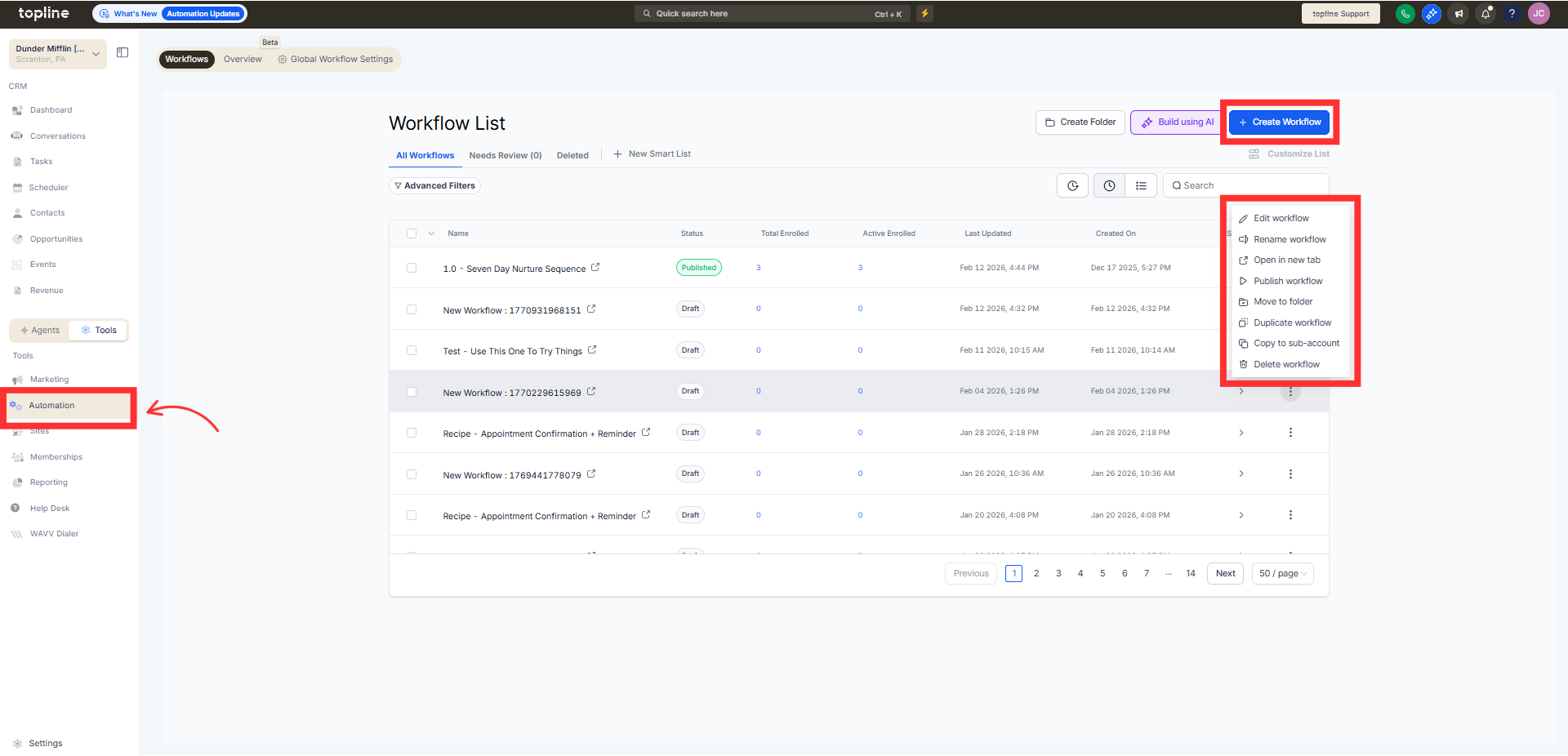
Navigate to the AI builder and open an existing workflow.
Step 2
Choose the step you want to modify. Describe the change you want in plain language.
Step 3
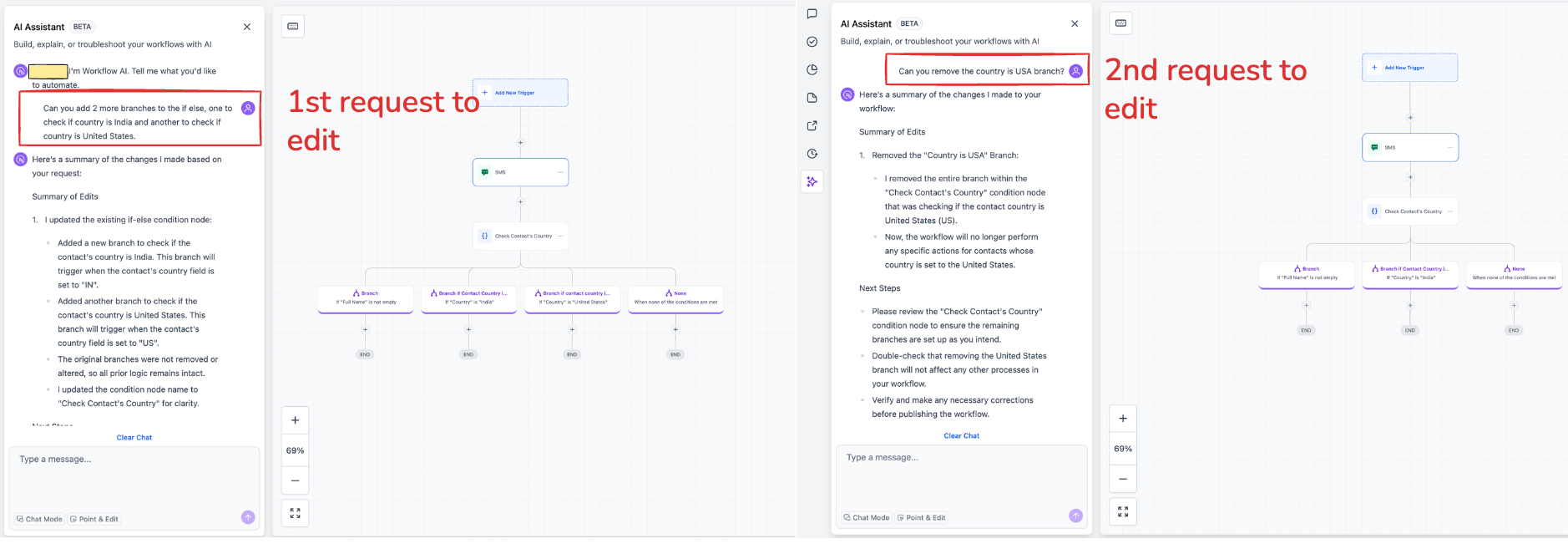
Let the AI builder adjust the action settings automatically. Check the new conditions or wait timing for accuracy.
What is conversational editing in the AI builder?
• It allows you to modify workflow logic using natural language instructions.
Which actions support conversational editing?
• If-else and wait actions are supported.
Do I need to enable this feature?
• No, it is available automatically within the AI builder.
Can I still edit actions manually?
• Yes, manual configuration remains available.
Does this affect existing workflows?
• No, workflows only change when you apply conversational edits.
