Login processes for the client portal and communities have been updated with improved password handling and magic link behavior. These changes make access more secure, reliable, and user-friendly while reducing login-related issues.
• Improved password handling for portal and community users
• Enhanced magic link login experience
• Better security during authentication
• Reduced login friction for members
• More reliable access to portal and community content
• Encourage users to use the magic link for quick access
• Remind members to check spam folders for login emails
• Update help documentation with the new login flow
• Test login experience before sharing with users
• Ensure user email addresses are accurate for delivery
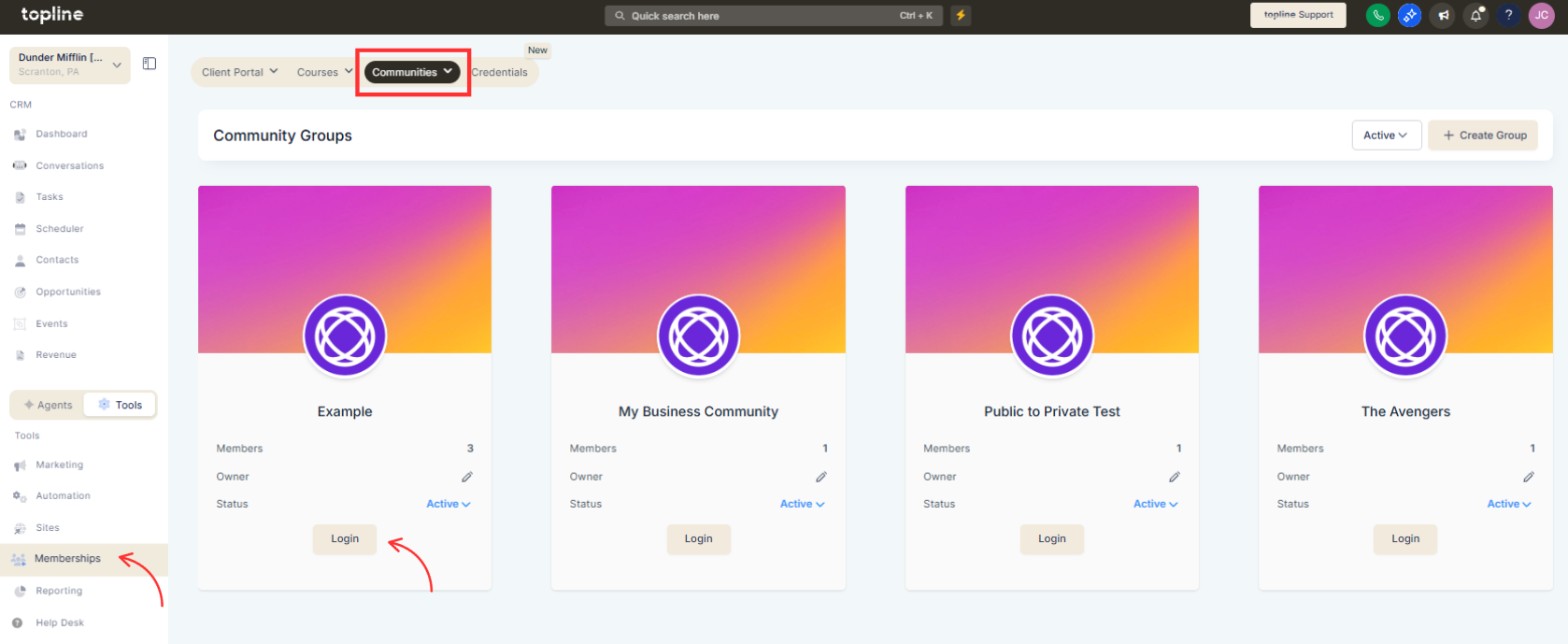
Step 1
Navigate to the client portal or the communities configuration area.
Step 2
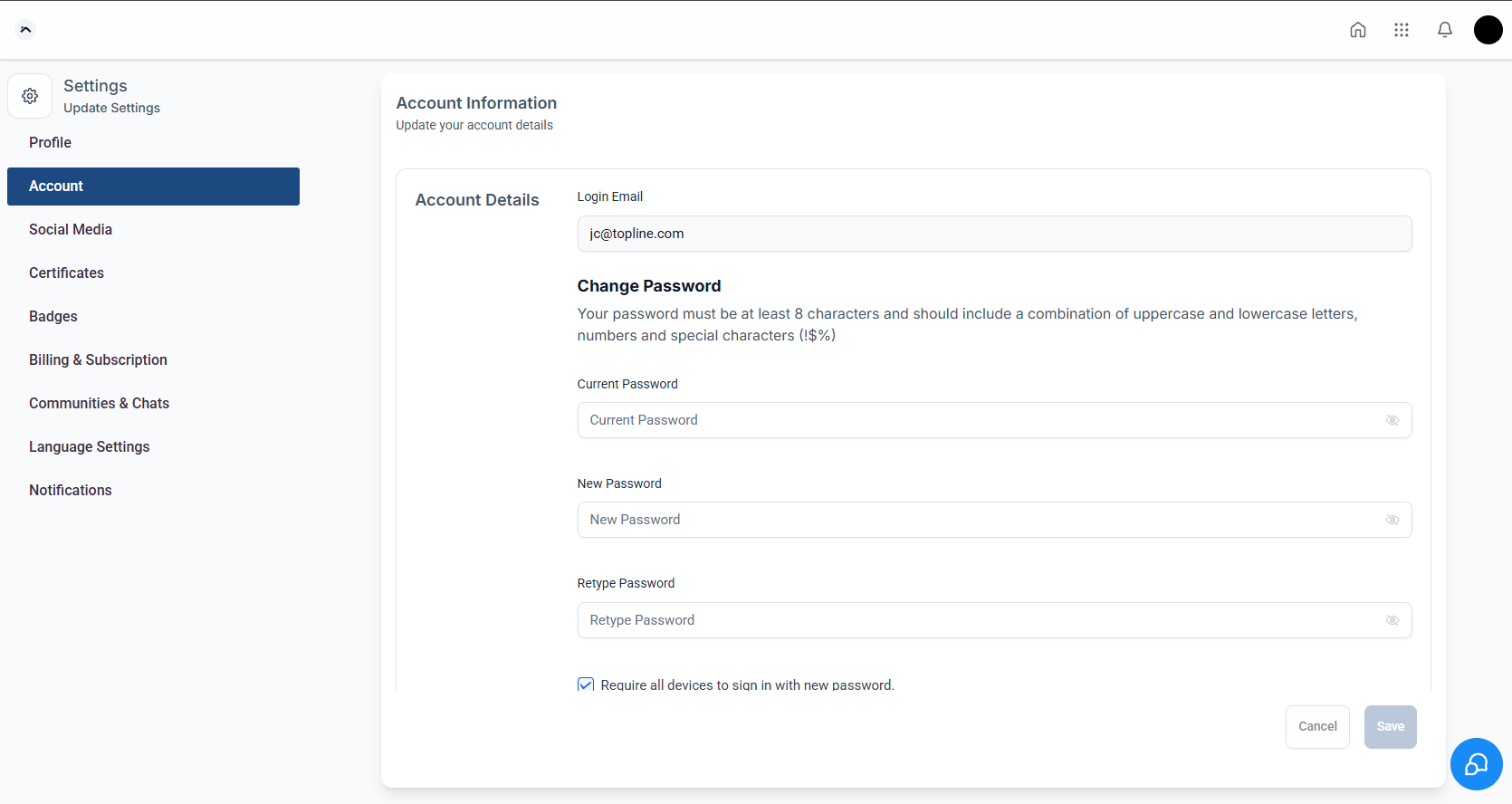
Check password and magic link options. Ensure login emails are properly configured.
What was updated in the portal and communities login process?
• Password handling and magic link behavior were improved.
Do I need to enable these updates manually?
• No, improvements are applied automatically.
Is magic link login still available?
• Yes, magic link login remains supported.
Does this affect existing users?
• No, existing users can continue logging in normally.
Is login more secure now?
• Yes, authentication handling has been enhanced.
