Service descriptions can now be enhanced using a rich text editor. This allows formatting options such as bold text, lists, and structured content, helping businesses present services more clearly and professionally to customers.
• Rich text editor added to service descriptions
• Ability to format text with styling options
• Improved presentation of service details
• Better readability for customers
• Enhanced customization within Services V2
• Use formatting to highlight key service benefits
• Keep descriptions clear and easy to scan
• Use bullet lists to organize features
• Avoid overformatting to maintain a clean look
• Preview service descriptions before publishing
Step 1
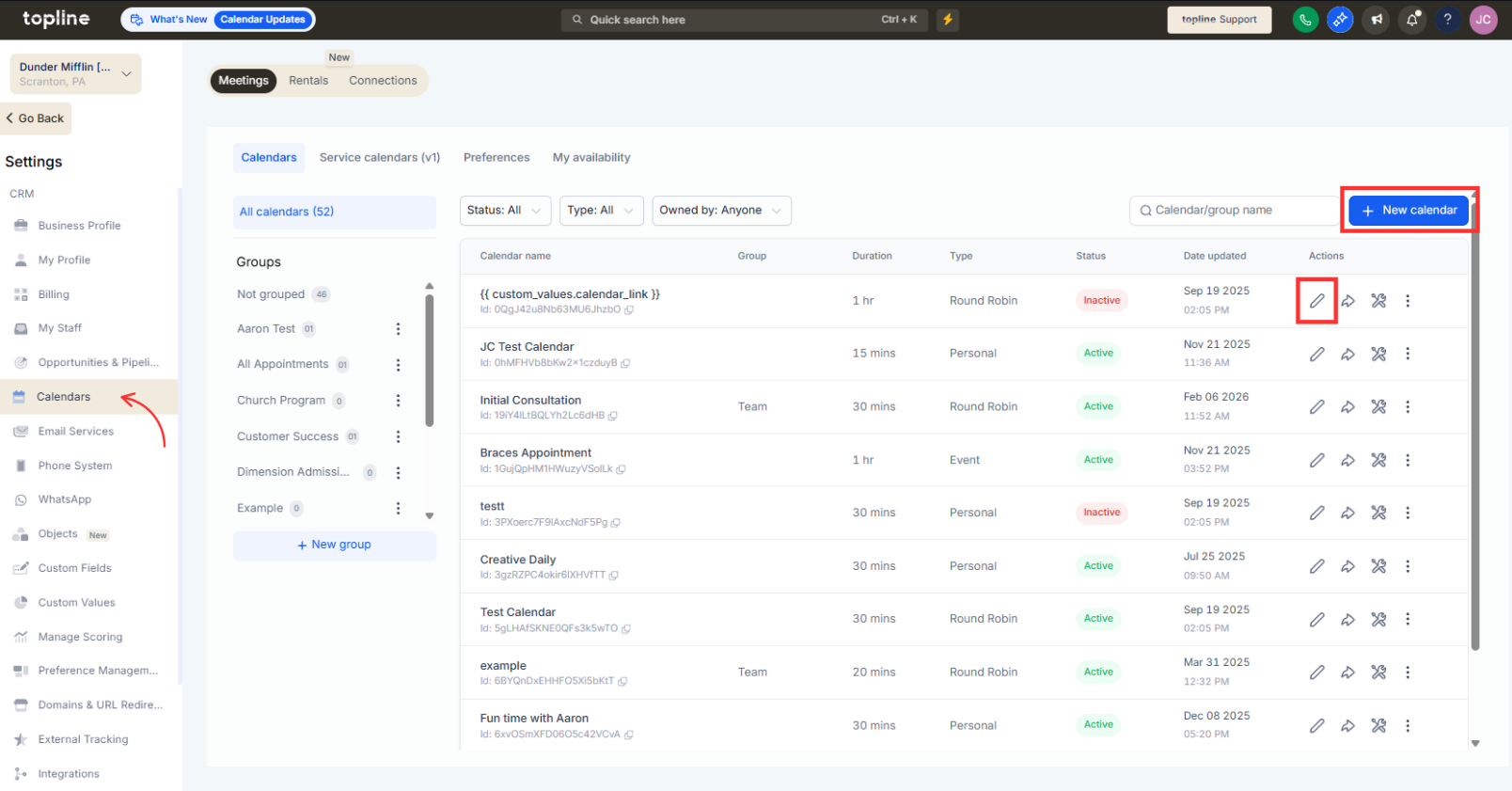
Navigate to your Calendar area. Select an existing service or create a new one.
Step 2
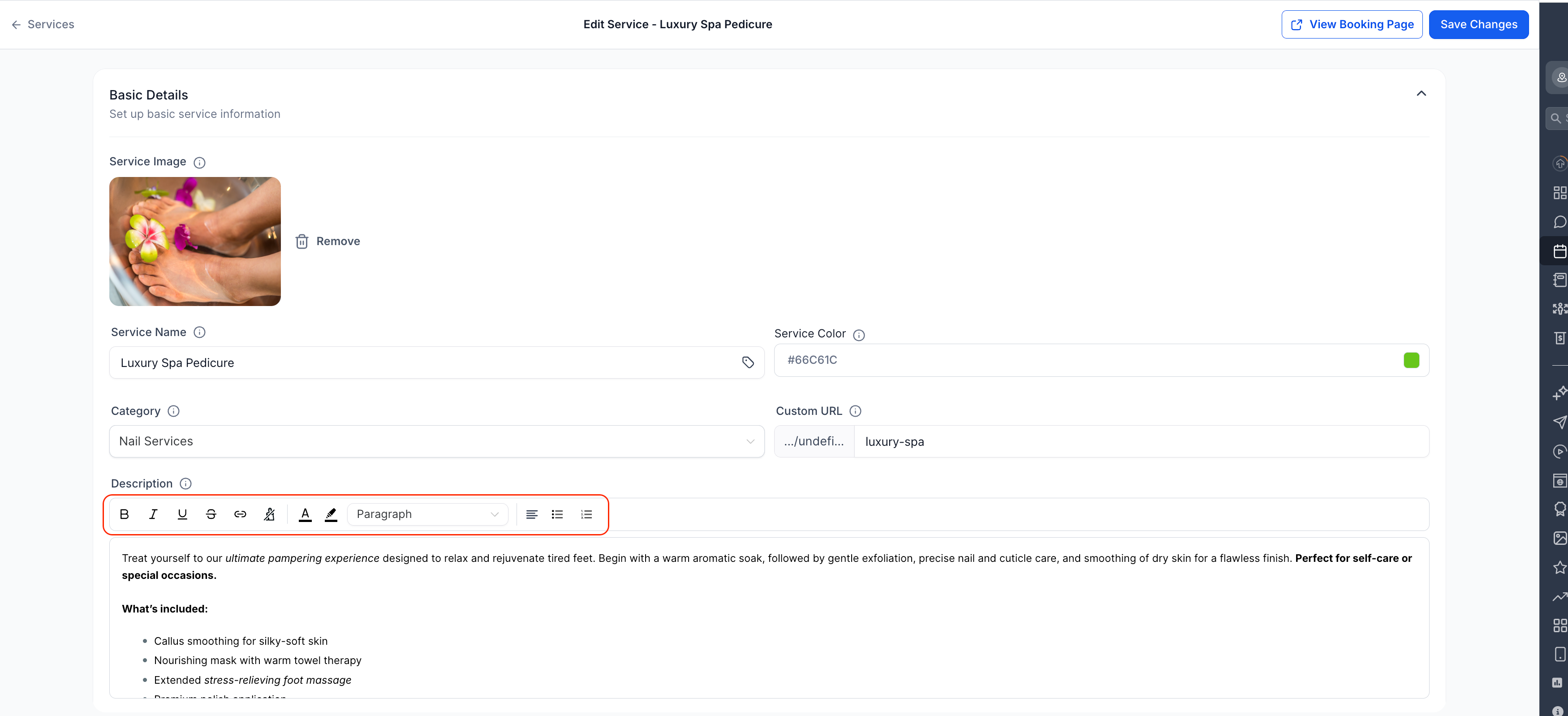
Apply formatting such as bold text, lists or spacing.
What does the rich text editor allow in service descriptions?
• It allows formatted text such as bold styling and lists.
Do I need to enable this feature manually?
• No, the rich text editor is available automatically.
Does this affect existing service descriptions?
• Existing descriptions remain the same unless edited.
Can I remove formatting later?
• Yes, formatting can be edited or removed at any time.
Is this available for all services in Services V2?
• Yes, all services in Services V2 support the rich text editor.
