
You can now record product cost prices and automatically calculate margins. This helps businesses understand profitability, make informed pricing decisions, and improve financial tracking for product sales.
What’s New
• Ability to add the cost price for products
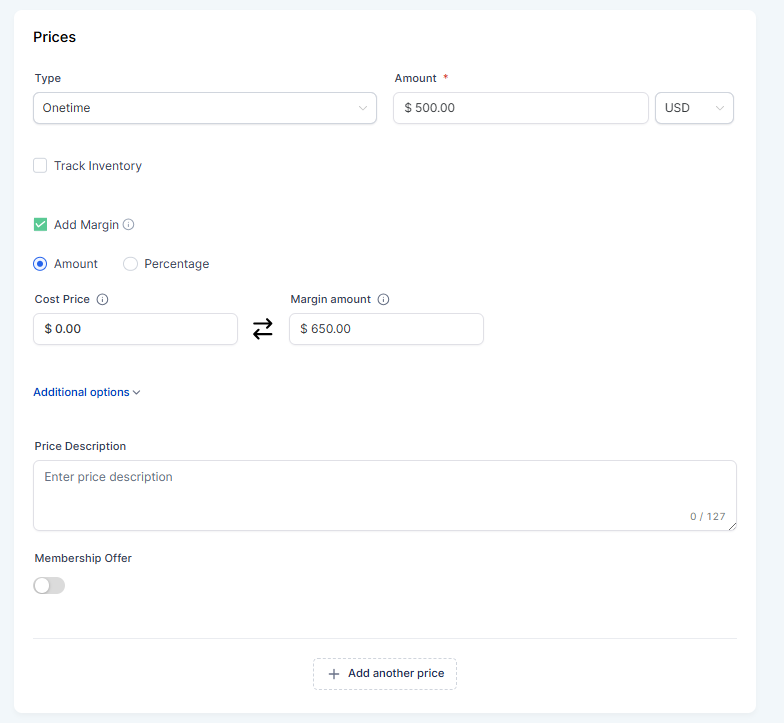
• Automatic margin calculation based on price and cost
• Improved visibility into product profitability
• Better financial insights for product sales
• Enhanced product management for pricing strategy
Tips
• Enter accurate cost values for better margin calculations
• Review margins regularly to optimize pricing
• Use margin insights to identify high-performing products
• Update cost prices when supplier costs change
• Monitor profitability across different product categories
How to Set It Up
Step 1
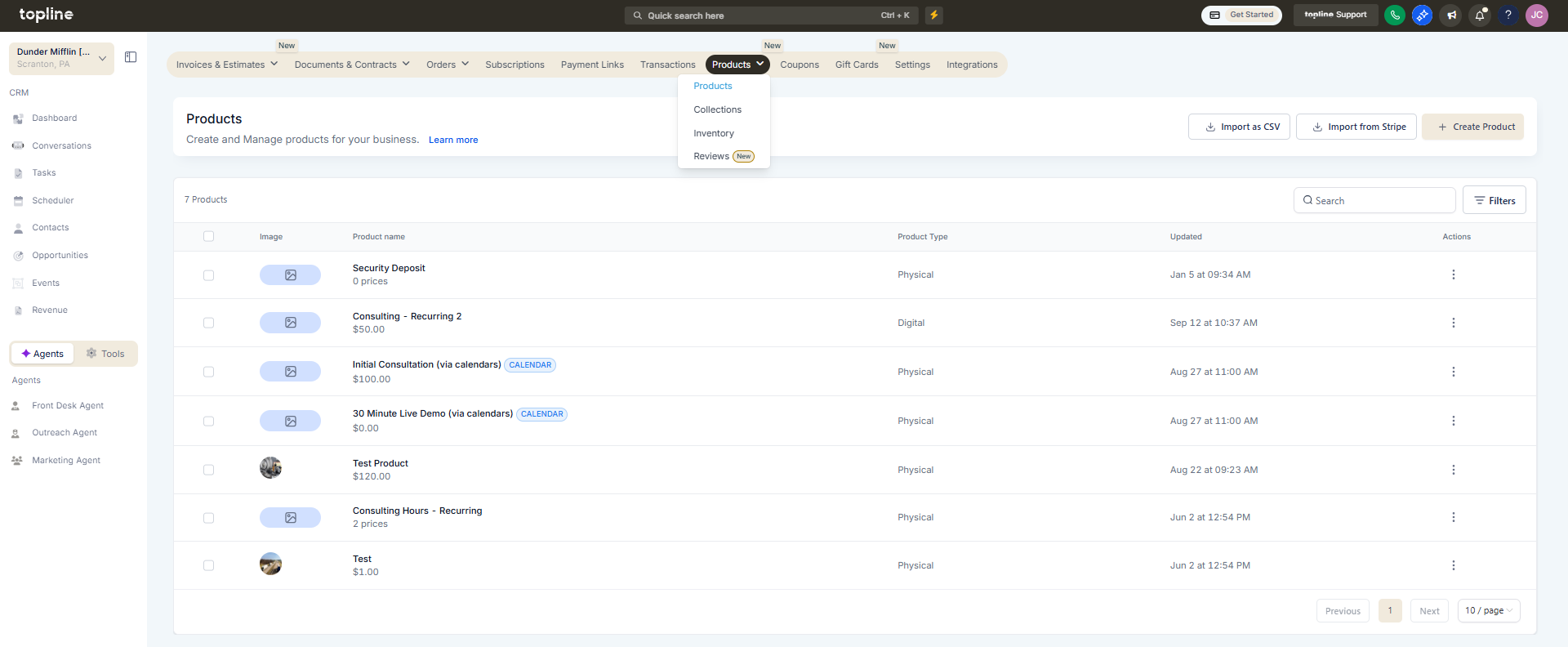
Navigate to the revenue and go to the products management area.
Step 2
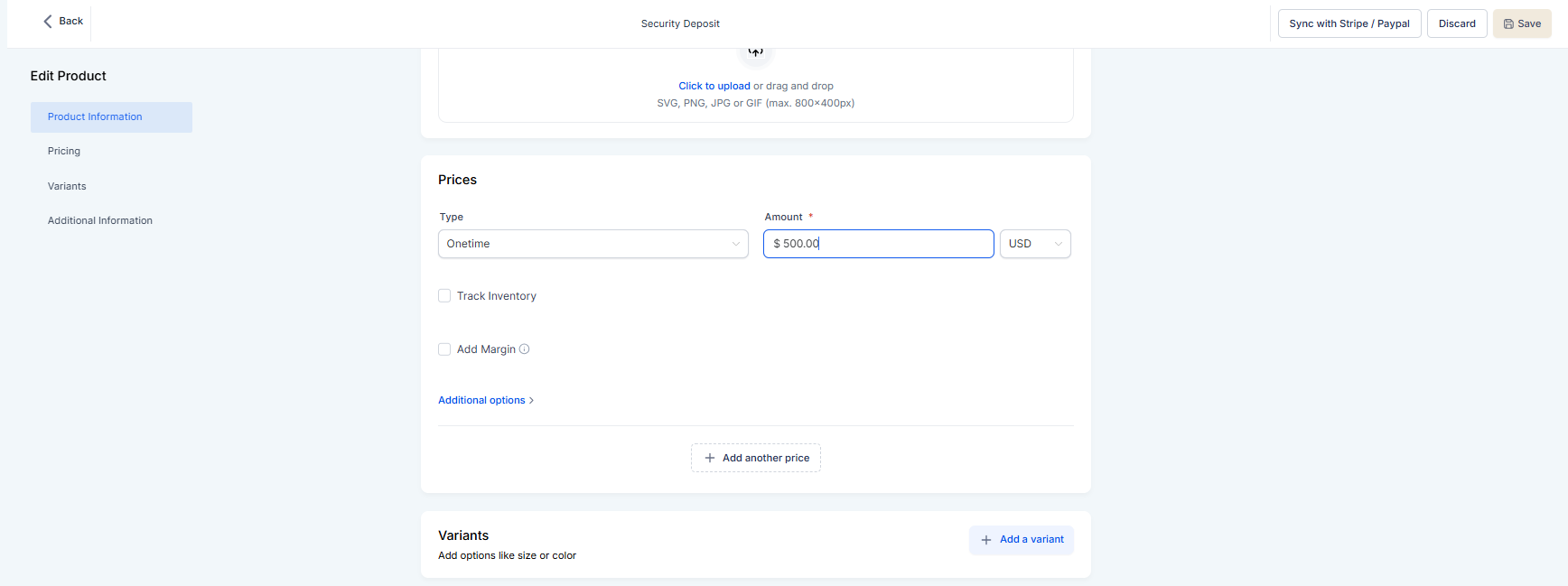
Select an existing product or add a new one. Add the cost price in the designated field.
Step 3
Define the selling price for the product.
FAQ’s
What does tracking product cost, price, and margin allow?
• It allows businesses to calculate and monitor product profitability.Do I need to enable this feature manually?
• No, the cost and margin fields are available when editing products.Is the margin calculated automatically?
• Yes, the margin is calculated using the cost and selling price.Can cost prices be updated later?
• Yes, cost values can be edited at any time.Does this affect existing products?
• Existing products can be updated with cost price information.