After generating a workflow, the AI builder now provides a structured to-do list highlighting recommended actions to finalize the setup. This helps users verify configurations, fill in missing details, and ensure the automation runs correctly before activation.
• Post generation to do list inside the AI builder
• Clear guidance on steps required after workflow generation
• Faster validation of automation setup
• Reduced chance of missing important configurations
• Improved workflow launch readiness
• Review the to-do list before activating workflows
• Complete any missing configuration steps immediately
• Use the checklist to validate triggers and actions
• Test workflows after finishing the recommended tasks
• Treat the list as a final verification step before going live
Step 1
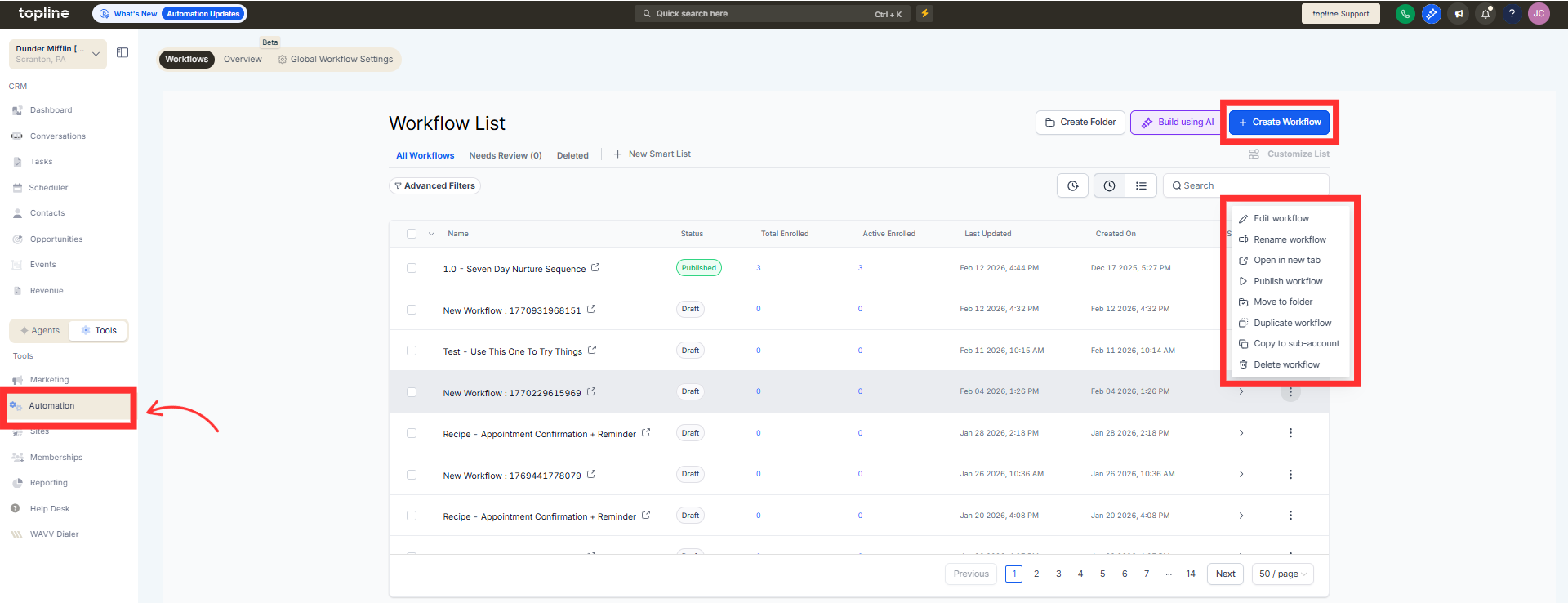
Navigate to the Automations and create a new workflow or edit an existing one. Then go to AI builder in the automation section.
Step 2
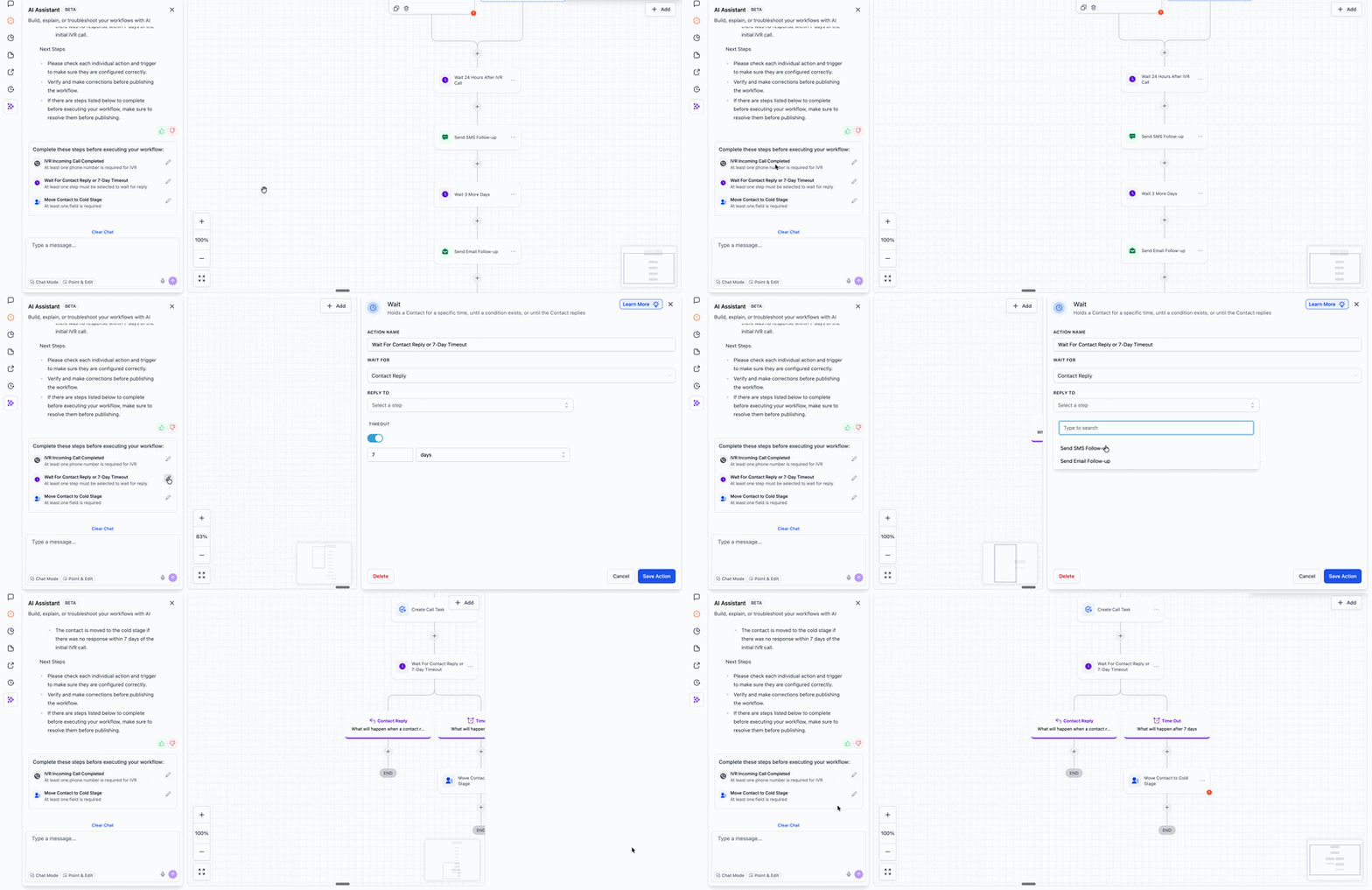
Enter your instructions and allow the AI builder to create the workflow. Check the post-generation to-do list provided by the builder.
What is the post-generation to-do list in the AI builder?
• It is a checklist of recommended tasks to complete after generating a workflow.
Do I need to enable this feature?
• No, it appears automatically after workflow generation.
Does the to-do list change the workflow?
• No, it only provides guidance on completing setup steps.
Can I ignore the to-do list?
• It is recommended to complete the tasks to ensure proper workflow operation.
Does this apply to all generated workflows?
• It appears when relevant setup actions are needed.
