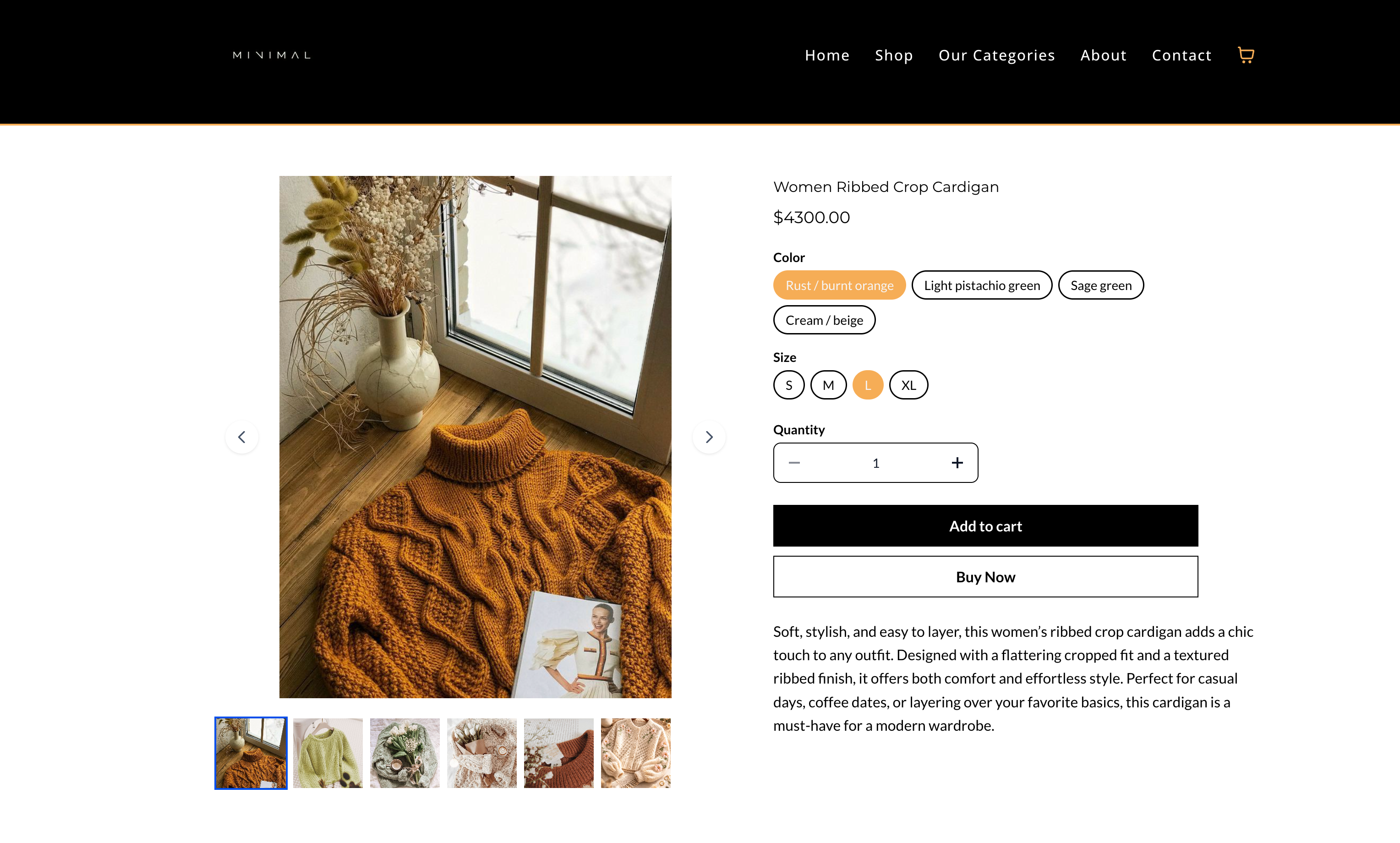
When a customer selects a product variant, the displayed image now updates automatically to match that selection. This creates a more intuitive shopping experience by clearly showing the exact variation being chosen, reducing confusion and improving purchase confidence.
• Automatic image updates when selecting product variants
• Improved alignment between selected options and visuals
• Clearer product representation for each variant
• Enhanced customer experience during selection
• Reduced confusion for multi-option products
• Assign unique images to each variant for best results
• Use high-quality images to improve clarity
• Ensure images clearly represent each option
• Test variant selection on product pages
• Keep visual consistency across all variant images
Step 1
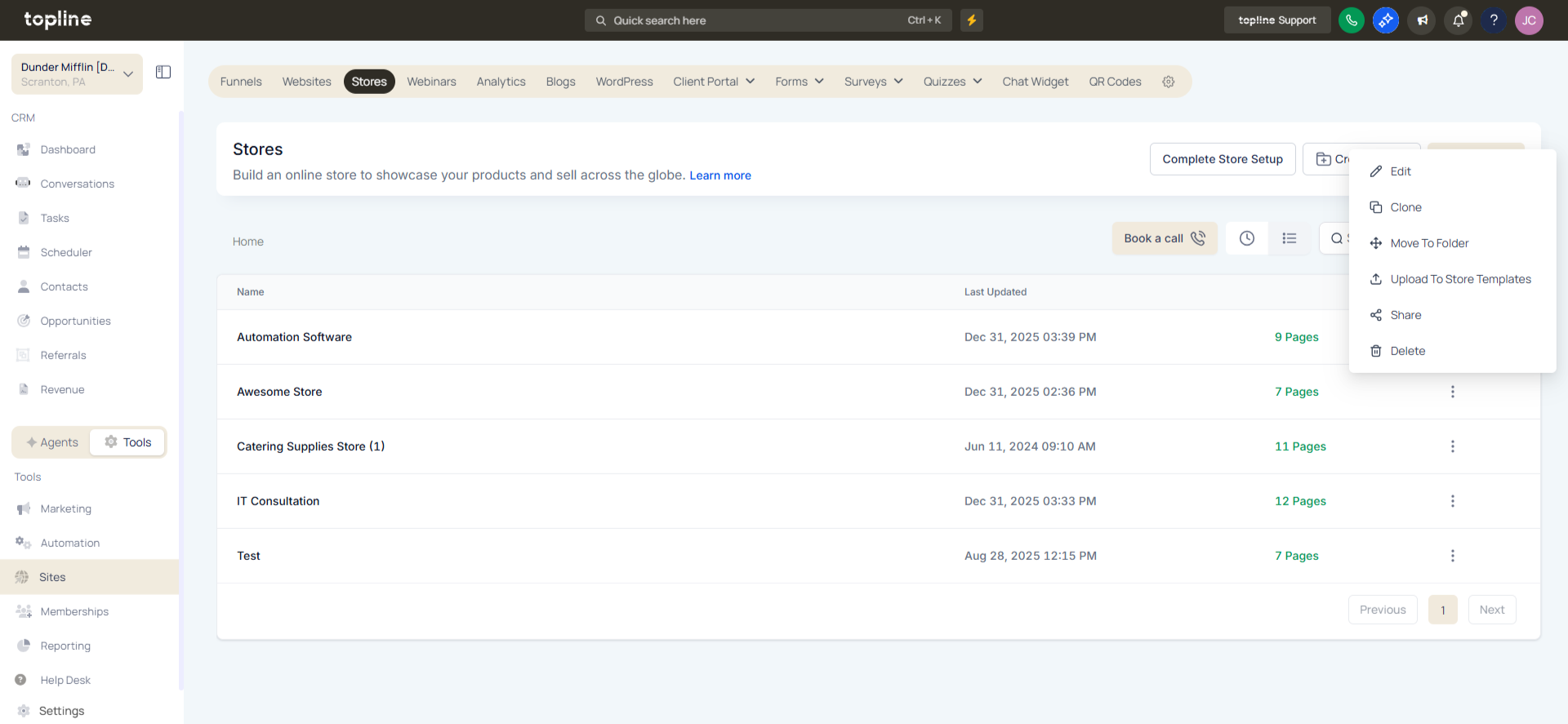
Navigate to your product management area.
Step 2
Choose a product that includes variants. Upload or link specific images to each variant option.
What does variant image sync do?
• It updates the displayed image when a product variant is selected.
Do I need to enable this feature manually?
• No, it works automatically when variant images are assigned.
Can each variant have a different image?
• Yes, each variant can have its own image.
Does this work on all product pages?
• It works on product pages that support variants.
Can this improve customer experience?
• Yes, it helps customers clearly see their selected option.
