Shipping rates at checkout can now be sorted, helping customers quickly compare options based on factors like price or delivery time. This improves the checkout experience and makes selecting a shipping method more intuitive.
• Sorting options for shipping rates at checkout
• Easier comparison of delivery options
• Improved customer experience during checkout
• Better visibility of shipping choices
• More control over how shipping options are displayed
• Prioritize the most popular or cost-effective shipping options
• Keep shipping names clear and easy to understand
• Review sorting behavior to match customer expectations
• Test checkout flow to ensure correct display order
• Monitor customer selection trends for optimization
Step 1
Navigate to your ecommerce or shipping configuration area.
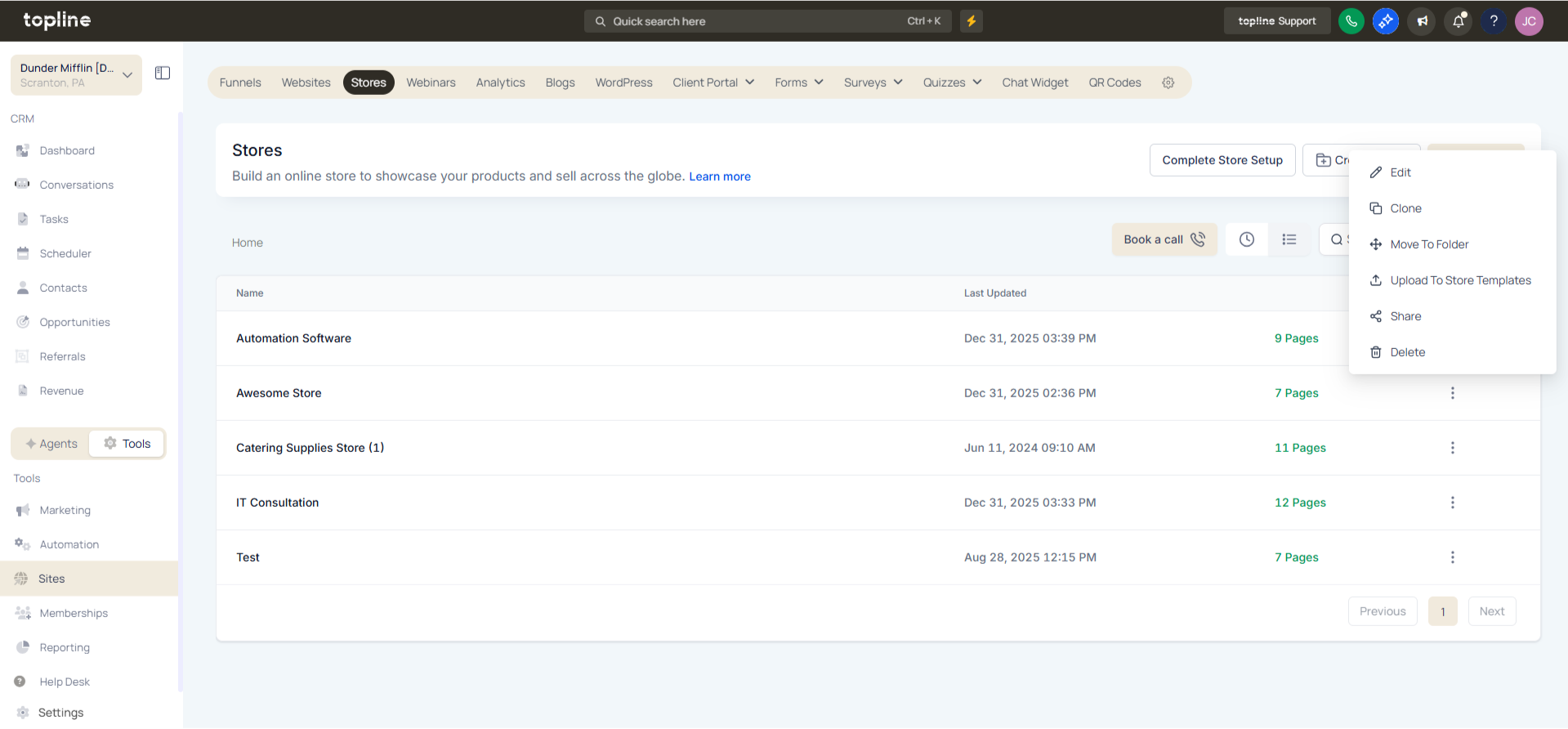
Step 2
Locate the section where shipping rates are defined. Choose how shipping rates should be sorted at checkout.
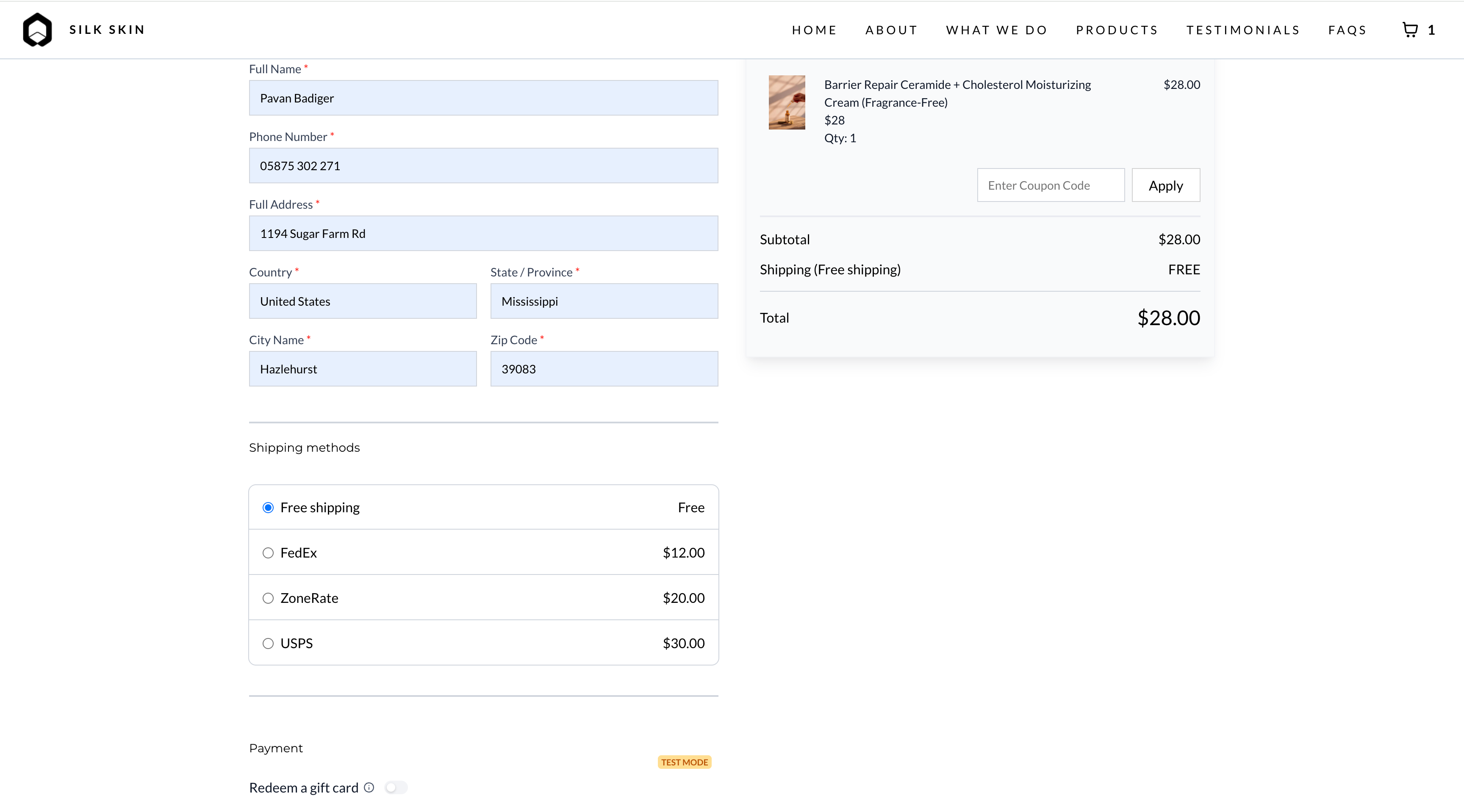
What does shipping rate sorting do?
• It organizes shipping options in a specific order at checkout.
Do I need to enable this feature manually?
• Yes, sorting preferences must be configured in settings.
Can I control how rates are sorted?
• Yes, sorting can be adjusted based on available options.
Does this affect shipping prices?
• No, it only changes how options are displayed.
Can customers still choose any shipping option?
• Yes, all available options remain selectable.
