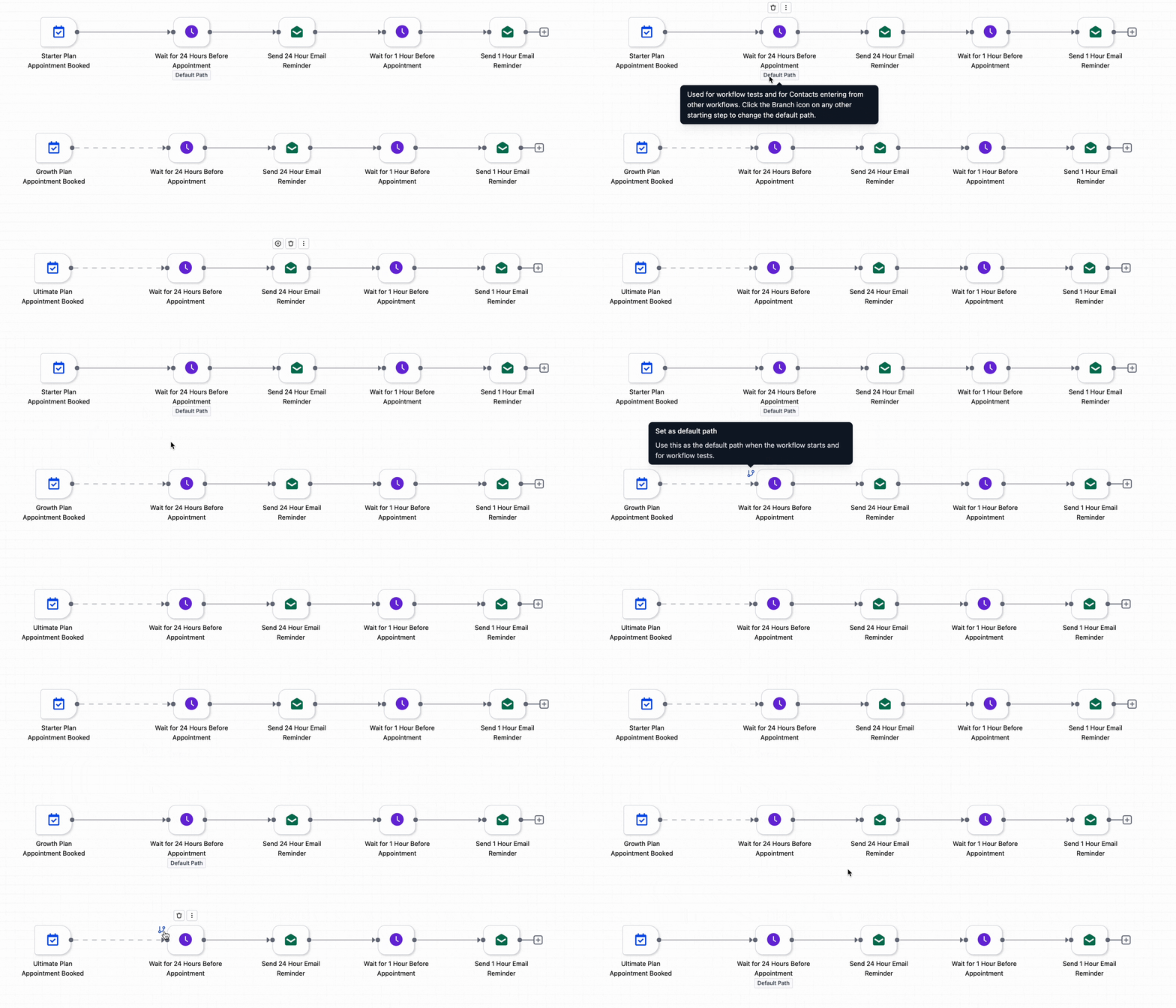
You can now define a default path in workflow branches, ensuring contacts continue through a predefined route when no conditions are met. This helps prevent dead ends in workflows and ensures a smoother and more predictable automation experience.
• Ability to set a default path in workflow branches
• Improved control over conditional logic
• Prevention of stalled or incomplete workflows
• Better flow continuity for contacts
• Enhanced reliability of automation paths
• Always define a default path to avoid workflow gaps
• Use default paths for fallback actions
• Keep branch logic simple and clear
• Test workflows to ensure correct path routing
• Review branch conditions regularly for accuracy
Step 1
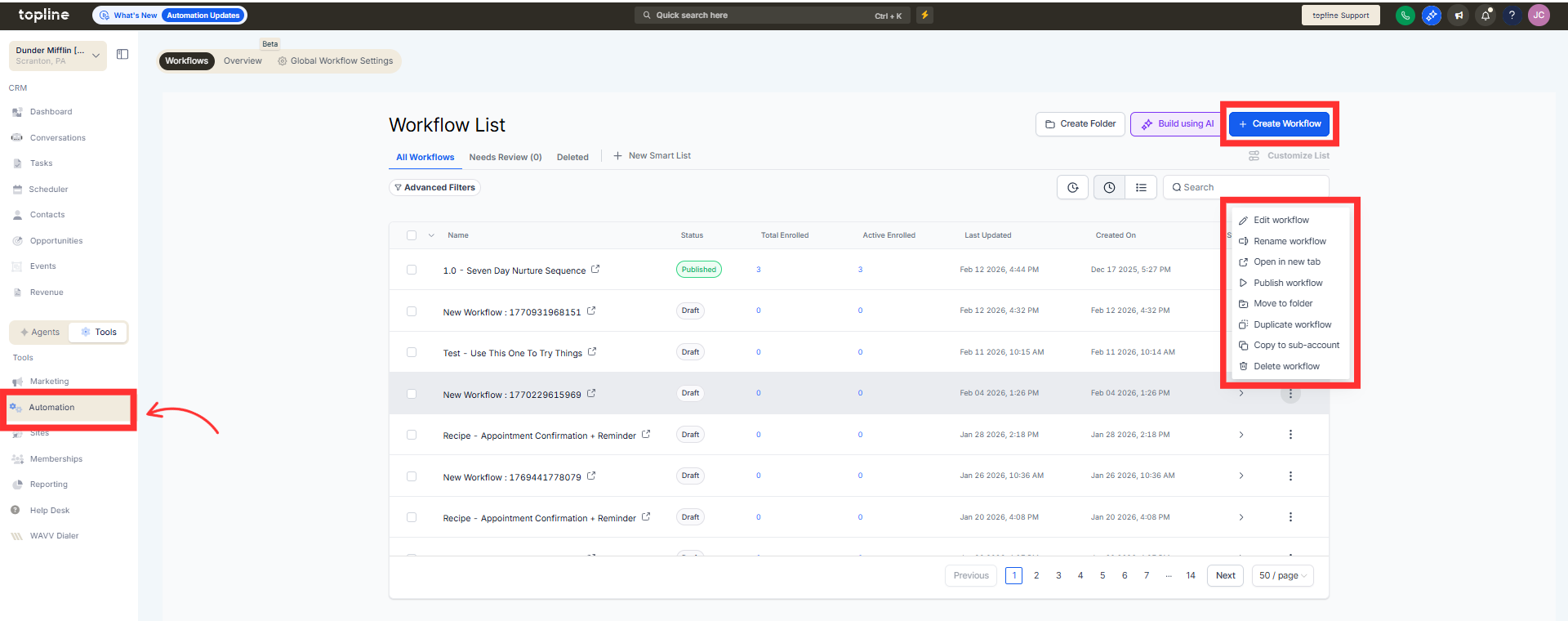
Navigate to the automation section and open the advanced builder.
Step 2
Insert a branch or conditional logic step in your workflow. Set the conditions for each branch path.
What is a default path in workflow branches?
• It is a fallback route when no branch conditions are met.
Do I need to enable this feature manually?
• Yes, you must define a default path within branch settings.
What happens if no default path is set?
• Contacts may stop or not proceed in the workflow.
Can I customize actions in the default path?
• Yes, you can define any actions for the fallback path.
Does this affect existing workflows?
• Existing workflows can be updated to include a default path.
